


As a Jagoan, you will always submit your annual income tax return on time. Even though you have many Pockets (accounts) at Bank Jago, you don't need to worry about calculating the interest and taxes from each Pocket. Directly download a supporting document via the Jago application for your annual tax return.
So, how much tax do you have to pay and on what date? Lastly, are there any Jagoans who are still confused about how to calculate income tax (PPh) article 21? Everything is discussed in full in this article.
Submitting Annual Income Tax Return: How to Download a Supporting Document in the Jago Application (Available for Jago Users Only)
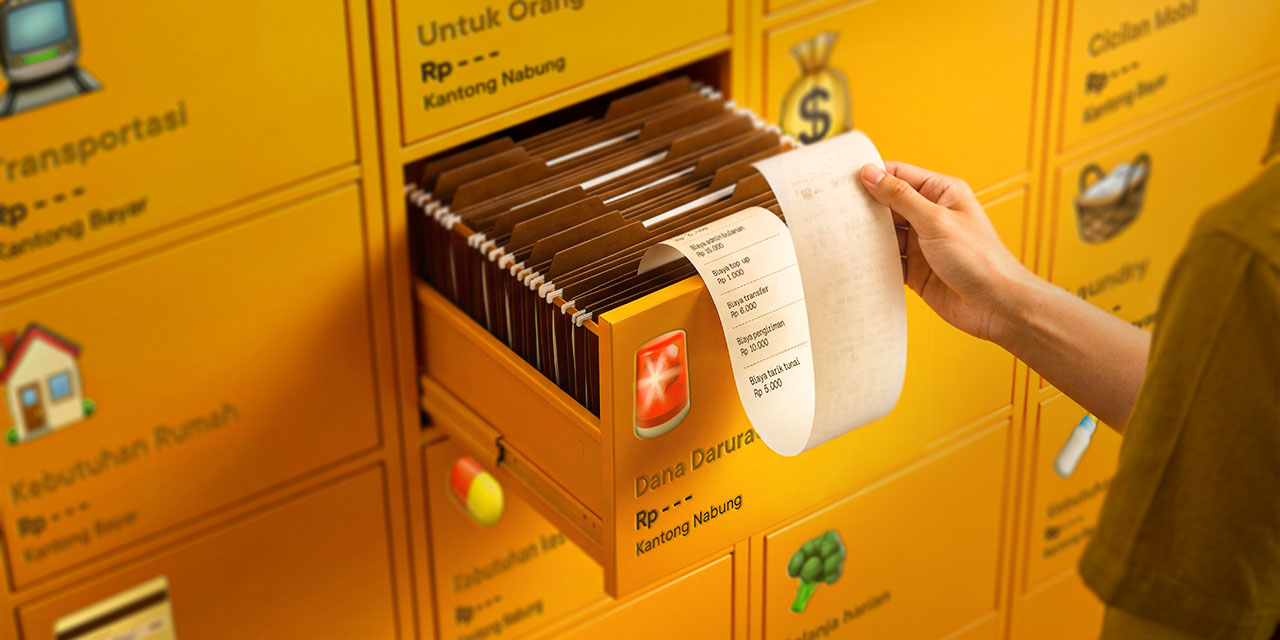
How many Pockets do you have in the Jago application? Indeed, creating lots of Jago Pockets is very helpful and makes it easier to budget and manage finances. One Pocket for one need. Having many Pockets is the same as having many bank accounts. However, through the Jago application, you can monitor all Pockets in one application.
As stated above, you don't need to worry about calculating the interest and taxes from each Pocket yourself.
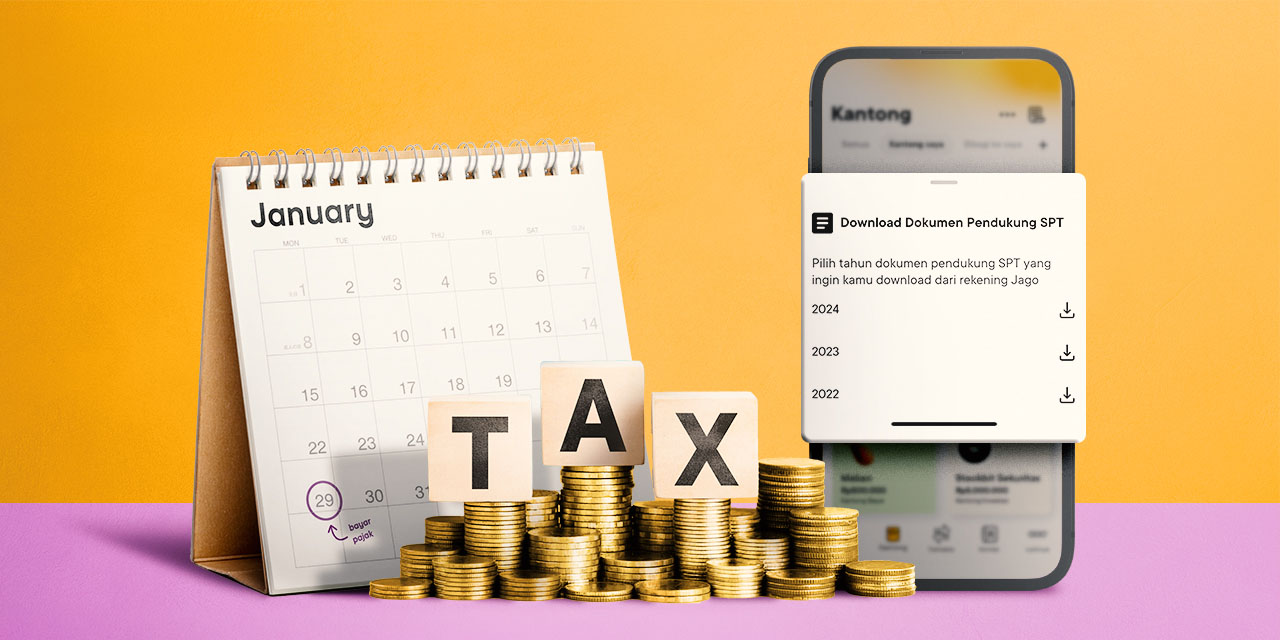
Here's how to download a supporting document containing information on the total interest earned along with the tax for annual tax return filing.
- Go to the Jago application and choose the Pockets tab
- Click the three dots at the top right and select Download SPT Supporting Documents
- Select the year of the SPT supporting document you want to download from your Jago account (available for the last three years)
- After the document is downloaded, you can include information regarding the asset value of savings and interest that you receive that has been tax deducted by Bank Jago in your annual income tax return filing
Everything You Need to Know about Interest Rates at Bank Jago
Conventional Jago users will get interest for every Saving Pocket, Spending Pocket and Term Deposit Pocket created as well as the Main Pocket.
The interest rate for each Pocket can be different, depending on the type of Pocket you have, whether Saving Pocket, Spending Pocket, Locked Pocket or Term Deposit Pocket.
Complete information regarding Bank Jago's latest interest rates can be seen here.
The accumulated interest earned will be disbursed automatically into the Jago Pocket on the 28th of every month.
What if you are a conventional Jago user who saves in a Locked Pocket on the 14th and locks the Pocket for a month? In this case, you will still get some of the interest on the 28th and some more when the Locked Pocket matures on the 14th.
What You Need to Know about Tax at Bank Jago
The tax imposed on income you receive in the form of interest or profit sharing is 20%. Tax cuts are made every 28th.
If you have savings in a Locked Pocket and Saving Pocket that provide different interest rates, the amount of tax charged remains the same, namely 20%.
Guide to Calculating Income Tax (PPh) Article 21 with Average Effective Rates (TER)
Many Jagoans may already be aware of the new income tax calculation regulation from the government, which has come into effect as of 1 January 2024. The regulation is PP No. 58 of 2023 concerning withholding tax rates article 21 (PPh 21) on income in connection with work, services or activities of individual taxpayers.
The withholding tax rates are called the Average Effective Rates (TER). However, you don't need to worry, because the total tax per year will not change as long as there are no changes to the components of the income you receive.
In short, the essence of the stipulation of the new PPh 21 regulation is:
- Income tax calculations from January to November will use TER each month.
- December income will be subject to tax rates according to the annual tax bracket minus taxes paid from January to November.
So how do you calculate PPh21 with TER? No need to worry, you can use the Tax Calculator provided by the Directorate General of Taxes.
Fill in all the required information and the calculator will do the calculations for you. You can also download the complete guide to calculating PPh 21, which is provided on the same link if needed.