
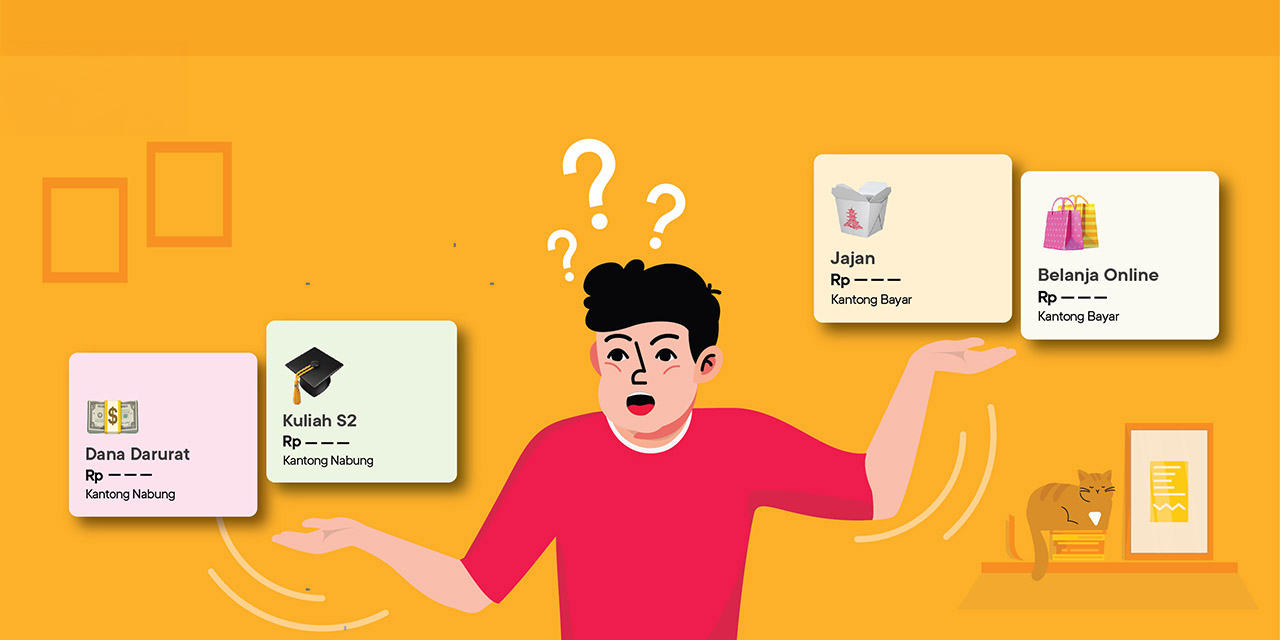

Are you always tempted to shop online? Do you check out your shopping cart frequently? Indeed, many people find it difficult to resist the temptation to shop, especially when there is a big discount or all of their friends are also making a purchase.
Shopping is okay, but if you shop too much it can drain your savings. Especially if you use a credit card, bills can swell and there is no money to pay them off. The balance between spending and saving is very important. Those of you who are looking for ways to reduce spending, can use the Jago Pocket.
The Jago Pocket Can Help Reduce Spending, to Balance Spending and Saving
1. 60 Jago Pockets = 60 bank accounts in 1 application
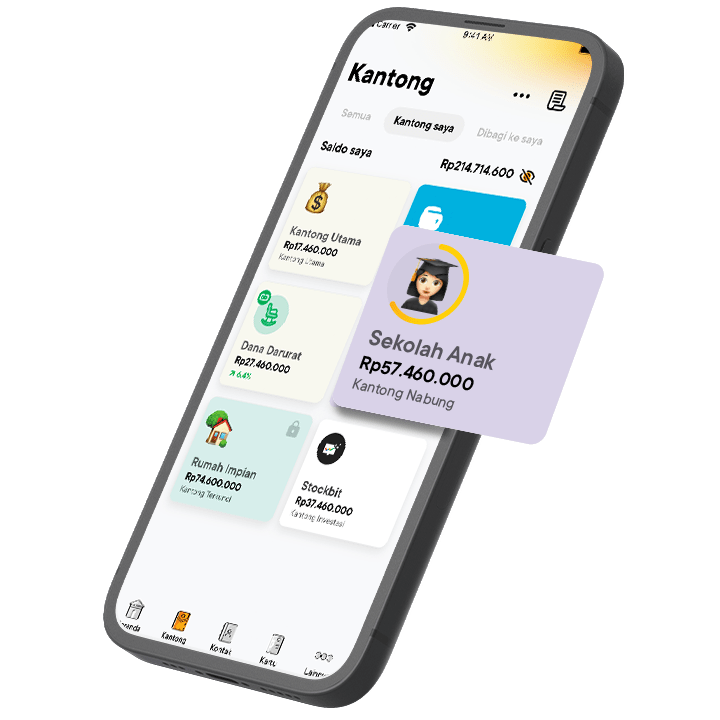
So that not all the money is spent on shopping, when you receive your salary you can immediately separate funds for various needs. Prioritize the important things first, such as monthly bills, children’s tuition fees if any, then also daily needs such as food and transportation.
Also make sure you allocate a portion of your salary for savings. If you don't have emergency fund savings, then you can start making it a financial goal. If you already have an emergency fund, you can save for other purposes, such as buying a house, pursuing higher education, retirement savings, etc.
After that, you can allocate money for shopping that isn't for daily needs, for example buying new sneakers and a camera, coffee and snacks that really aren't really a priority, and so on.
Having multiple accounts will make it easier for you to manage your finances. This is because funds for each need can be transferred directly to various accounts so that funds do not mix with each other.
However, having multiple accounts at multiple banks is impractical and erodes savings because you have to pay admin fees. 5 accounts at different banks mean 5 monthly admin fees are deducted from the existing balance.
A practical and easy solution to being able to create multiple accounts in 1 application is with Jago. You can create up to 60 Jago Pockets to separate many needs. Each Pocket has its own account number. This means if you have 60 Pockets, then it's the same as having 60 bank accounts. And without monthly admin fees.
2. Can set a target and save automatically in the Saving Pocket
If the Jago Pocket that you create is a Savings Pocket, then you can enjoy hassle-free saving. You can do this by setting a target and activating Autosave so that saving becomes automatic. The target for each Savings Pocket does not need to be the same, because it depends on financial goals.
Automatic saving can also help those of you who are looking for ways to reduce spending. Money will automatically be collected from the Pocket that you choose as the source of funds to go into the Savings Pocket with the active Autosave. In other words, money has been saved before being spent.
3. The Spending Pocket can be linked to the Jago Visa Debit Card
If you have created a Shopping Pocket (you can name the Pocket as you wish), then you can link it to your Jago Visa Debit Card. Because only the Spending Pocket and the Main Pocket can be linked.
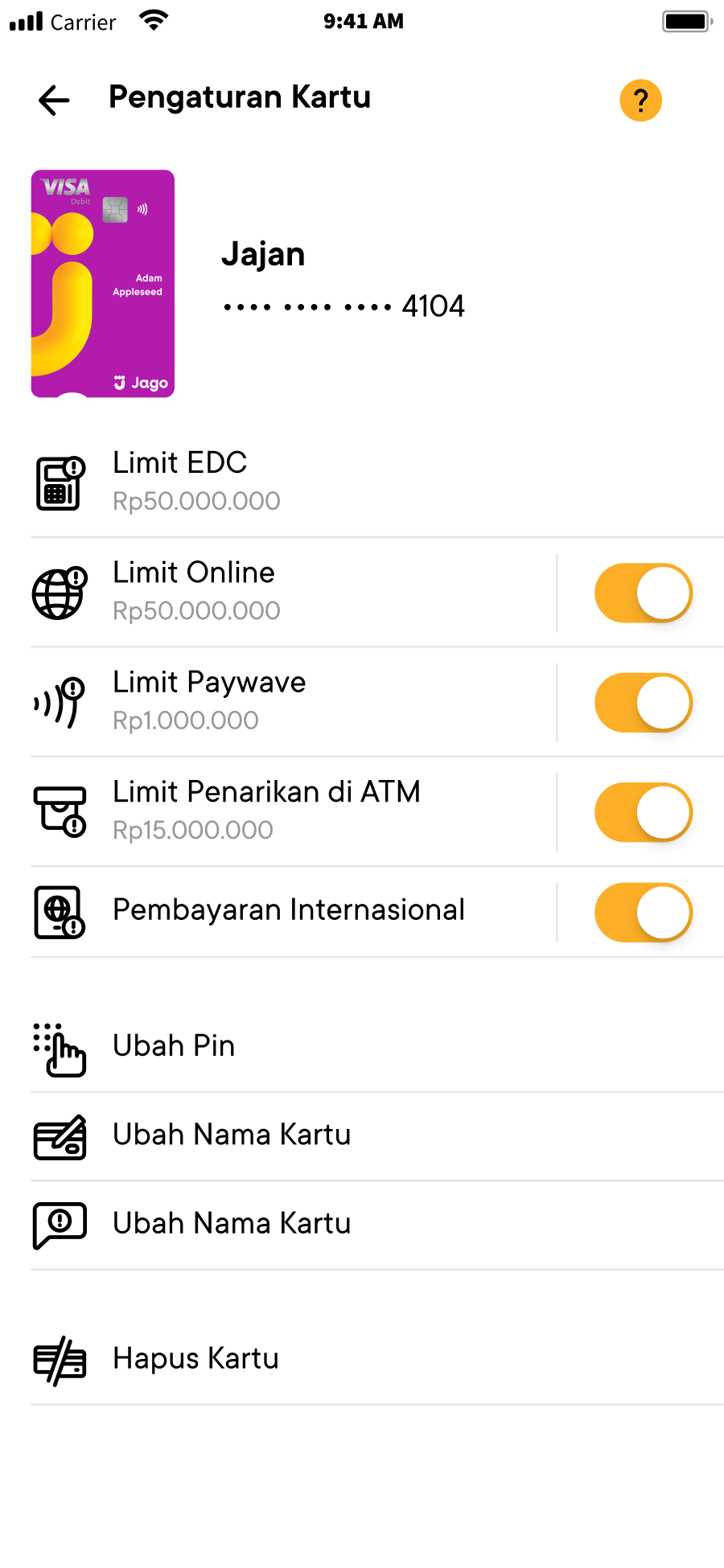
In this way, you can reduce and control spending better as you can only use the money in the Pocket. What's even nicer is that you can also set the daily transaction limit for your Jago Visa Debit Card. This will really help those of you who like shopping like crazy. Transactions cannot be processed if the daily spending exceeds the limit.
Jagoans, now you can be sure that you can reduce spending by using the Jago Pocket. The important thing is, you are disciplined and consistent in budgeting, and don't add a shopping budget to your Pocket once you’ve spent it all.
4. Apart from the Jago Visa Debit Card, the Spending Pocket can also be linked to QRIS Jago
For practical cashless payments, you can also use QRIS Jago if it is available as a payment method at merchants. Before confirming payment, select the appropriate Spending Pocket as the source of funds. This way, you will only use the budget that has been allocated according to its purpose.