


Have a favorite singer or band? You would love to watch their concert live, especially if they are performing in the country where you live, wouldn’t you? But to be able to enjoy their performance up close, one thing is for sure, you have to have money so you can buy the concert ticket. Time to start saving from now, and with Jago it's easier and more practical.
How to Save Money in the Jago Application to Buy a Concert Ticket
1. Create a new or separate account
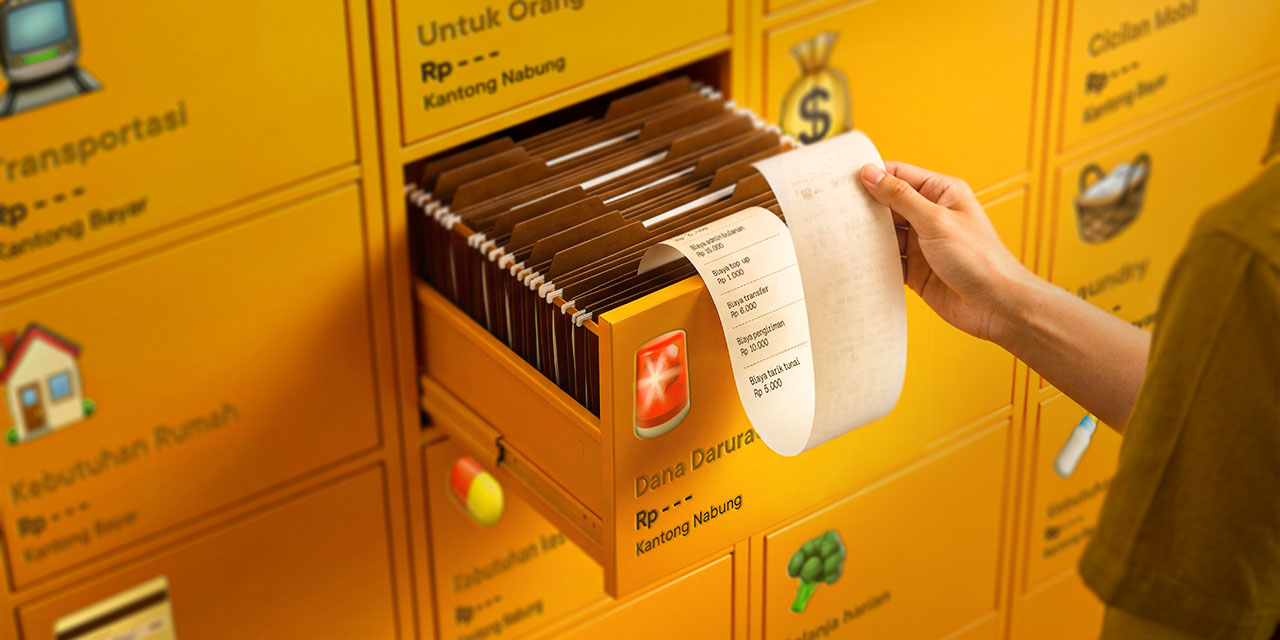
What is meant by creating a separate account in the Jago application is by creating a new Saving Pocket. Did you know that each Pocket you create has its own account number? And, you can have up to 60 Jago Pockets (60 bank accounts), including the Saving Pockets and Spending Pockets. All of these accounts are in your Jago application and you can monitor them together.
By having a different savings account to buy the concert ticket, you can separate the funds directly into the Saving Pocket. The funds won't mix with funds for other needs, and definitely won’t be used for shopping.
2. Activate the Auto-Budgeting feature
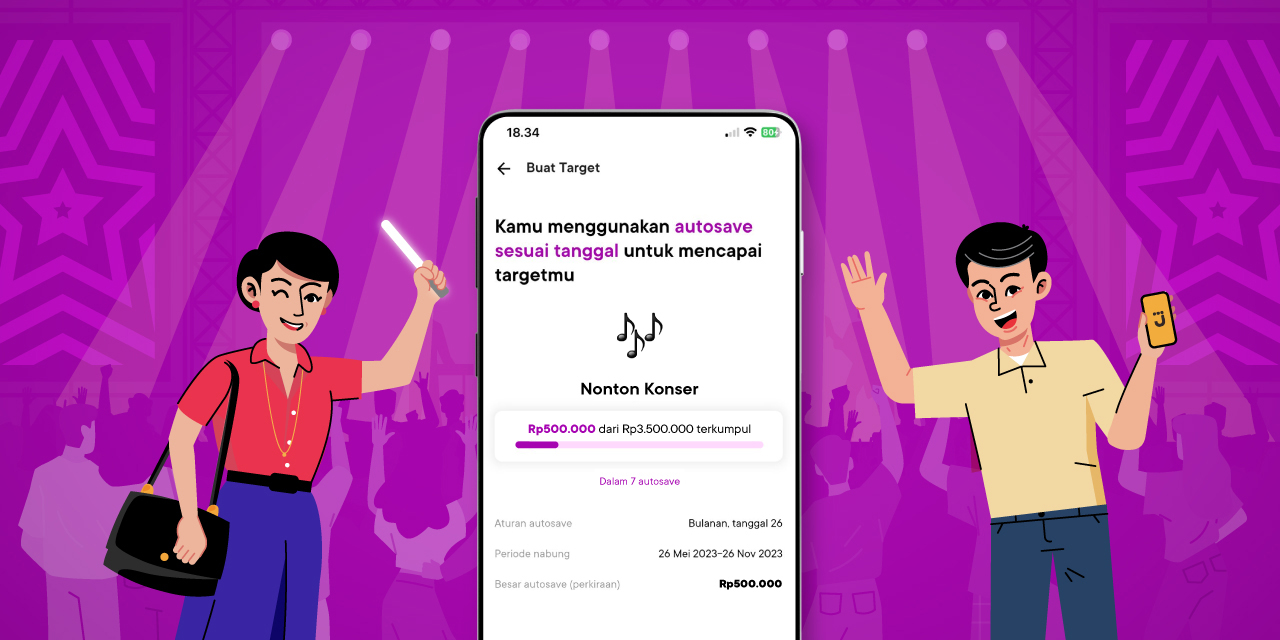
To have enough funds at the right time, you can use the Auto-Budgeting feature in the Saving Pocket so you never skip saving. Decide how much money will be automatically put into the Saving Pocket, as well as the period or frequency. You can also set a target in your Saving Pocket.
For concerts that have early birds, tickets will be sold cheaper. If this is what you are after, then don't forget that the target that needs to be set in the Saving Pocket should be close to the time when the early bird tickets are sold.
3. Spend less and put the money into savings, or to save more quickly
If you feel like you have little money to save, cutting back on expenses can help. The same goes for when you want your savings to grow faster so you can move on to your next financial goal as soon as you have the money to buy the concert ticket.
To make it easier to know which expenses can be reduced, you can use the Spend Analysis feature in the Jago application. Do you often top up your e-Wallet for online shopping? From the data presented through charts and percentages in the Spend Analysis, you can find out quickly.
After looking at the data, you can decide where to reduce your spending and then save more using the Auto-Budgeting feature described above.
Or, if you want to temporarily unsubscribe to streaming services until you have the money to buy the concert ticket, you can delete the Spending Pocket that has been created (if any) to pay the bill. You can immediately allocate the money to your concert savings.
Concert Ticket Has Been Purchased, What to Prepare Next?
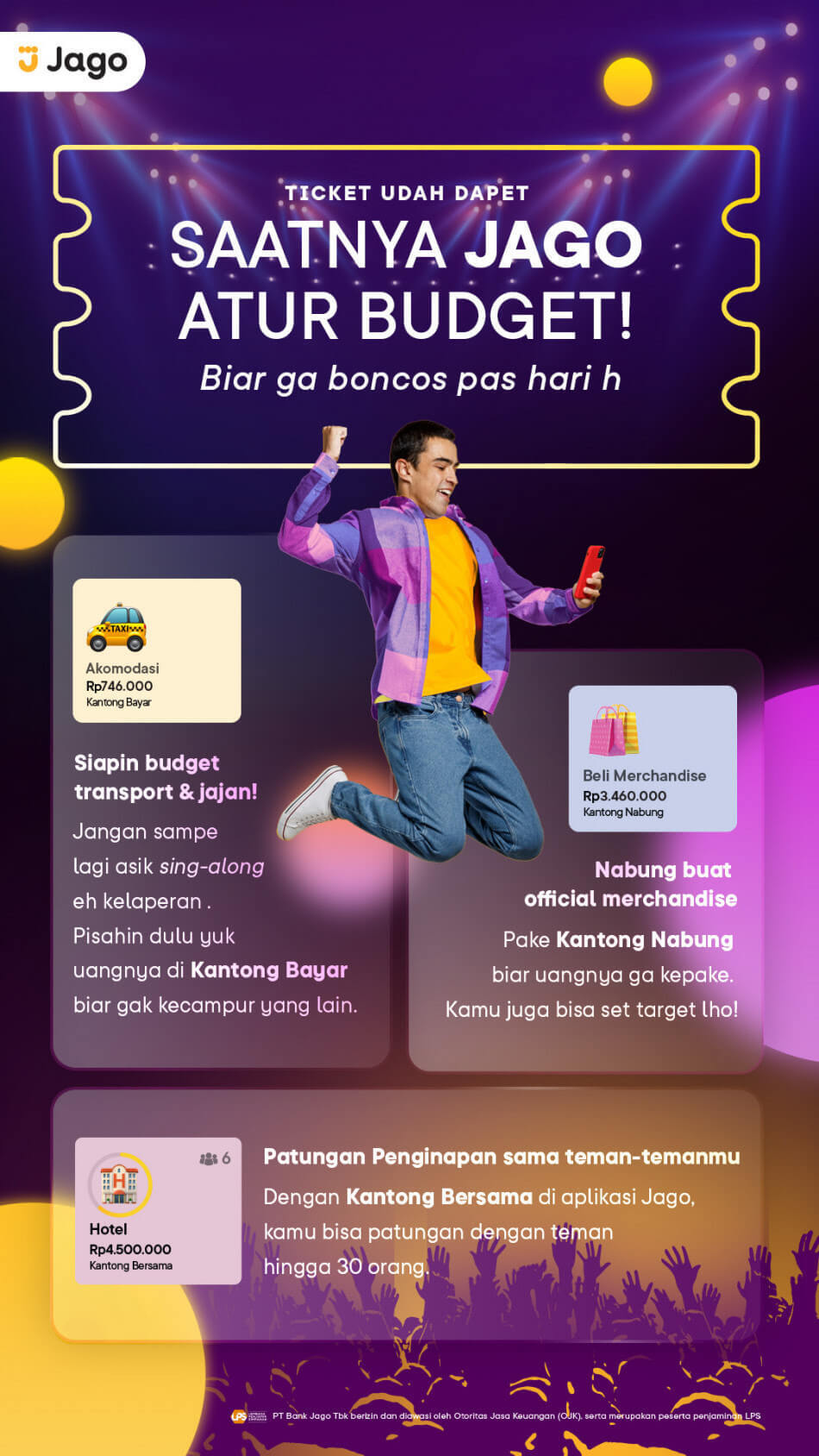
Yeay, you’ve got the concert ticket. Now it’s time to think about the other needs that you have to meet to enjoy the concert hassle-free on the D-day, such as transportation and snack, buying merchandise and accommodation. Just like saving money to buy a concert ticket, you can separate these needs with the Jago Pockets. Create several Pockets so the funds don't get mixed up.
As Jagoan, saving for any purpose, including buying concert tickets, is apparently, not a difficult thing to do, as long as there is strong motivation and self-discipline to reduce or control expenses. And of course, be sure to use Jago to help you manage your finances your way.