

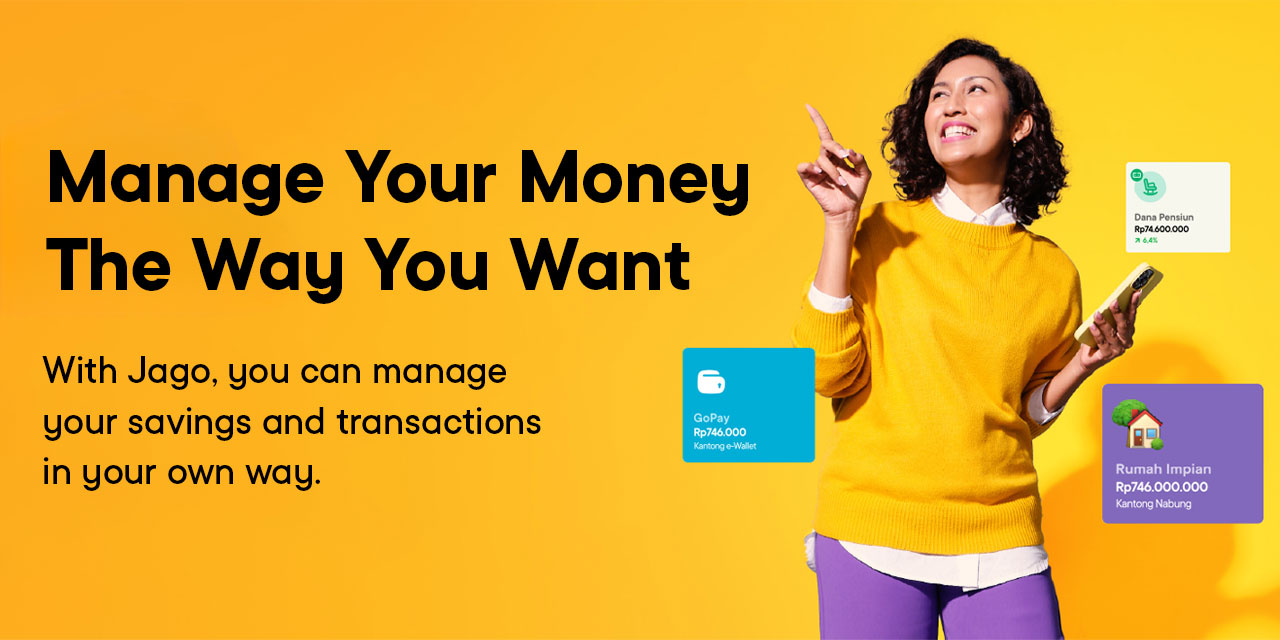

Do you already have a Jago account? If you don’t have a Jago account yet, you are missing out on the many benefits offered.
Creating a Jago account is very easy and practical. You can do it from anywhere and anytime, as long as you have a stable internet connection. You don't need to stop by a Bank Jago branch just to create a Jago account. But how? You can follow the steps below.
Creating a Bank Jago Account Can be from Anywhere, Anytime
1. Download the Jago application
In order to be able to register for a Jago account, you first need to download the Jago application, which is available on the Google Play Store and App Store. You can also find the download button at the end of this article.
2. Start your Jago account registration process

Once the Jago app is downloaded, you can open it and tap Create Jago Account to start the registration process.
You can enter an active cell phone number and email address. Jago will send you a verification code. Then, you just have to follow the next instructions.
Tips for you, also prepare your e-KTP and NPWP, so that when asked, you can directly upload them.
3. Activate your Jago account
After registration is complete, you need to activate your Jago account so that it can be used for various transactions. The activation and registration is done through 2 options.
The first option is the selfie (liveness) method. No need to go to a branch, just follow the instructions for taking a selfie, such as being in a room with sufficient lighting and having a stable internet connection.
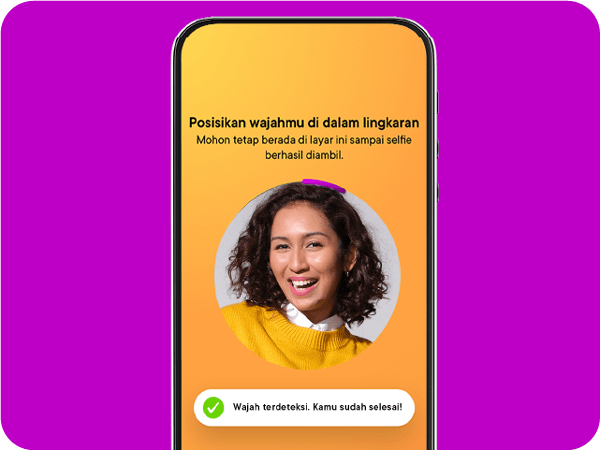
If taking a selfie doesn't work, you can use the second option, namely video calling. Video calls can be made at any time with Bank Jago Customer Service that is available 24/7.
Don't worry, if you're wearing casual clothes because you registered from the bed or sofa, you don't need to change clothes. You don't even need to wear makeup, Jagoans. You only need to prepare your e-KTP with you.
4. Personalize your Jago account
After successful activation, you can immediately use your Jago account. Yeay! You may want to start with personalizing your Jago account.
You can upload your photo and create a Jago ID, which can be used as an alternative to your Jago account number. Jago ID is very helpful for those of you who don't want to bother memorizing account numbers.
After that, you can continue by creating various Pockets to manage different expenses. You can change the name of each Pocket as you wish, be it a Savings or a Spending Pocket. If you want your Pocket to have a picture, you can upload one.
Questions About Bank Jago Admin Fees
One of the main considerations when opening a bank account is the associated fees. Monthly administration fees, for example, can sometimes feel burdensome and reduce the value of our savings. So, what about Bank Jago's admin fees?
1. Does Bank Jago have monthly admin fees?
Nope, Bank Jago doesn't charge monthly admin fees to its customers. This is one of the key benefits of having an account with Bank Jago.
2. What are the benefits of no admin fees at Bank Jago?
Bank Jago's policy of no monthly admin fees offers several advantages for you:
-
Cost savings: You don't have to worry about your account balance being debited each month for administrative fees. Every rupiah you have stays intact.
-
More financial flexibility: Your funds can be fully allocated towards saving, investing, or meeting other needs without being burdened by recurring deductions.
What are you waiting for? Complete the Jago account registration process, so you can immediately start sorting out your needs, save money and become jago at managing finances.