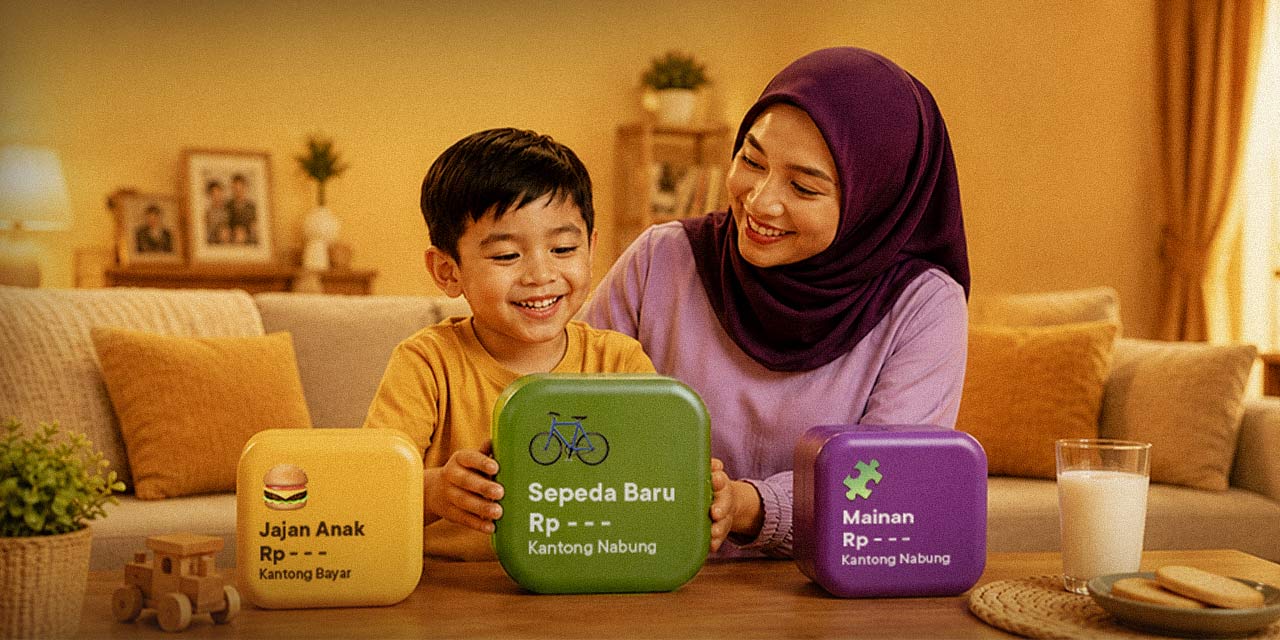

Many parents believe that quietly setting aside money for their children in a personal account is enough to secure their future. While the intention is good—ensuring the little one's future needs are safe—hiding the money means kids won't learn much about it. They won't understand where money comes from, how to save it, or how to prioritize spending.
For children to learn about money effectively, the process should be visual and transparent. Parents can use the Pocket feature in the Jago application. By creating dedicated Pockets where balances and progress can be viewed together, children get hands-on experience in learning and managing money.
Why Quietly Setting Aside Money for Kids Is Less Effective
When parents separate money without involving their children, kids tend to perceive money as an unlimited resource. Their logic is simple: "If I want something, my parents just swipe a card or get cash from the ATM." On the other hand, showing them visual savings through the Jago/Jago Syariah Pockets helps them understand that:
- Money is a finite resource.
- Buying things requires planning and budget allocation.
- Saving demands consistency and patience.
Educational Pocket Ideas to Teach Kids About Money
The main advantage of the Jago/Jago Syariah Pockets is their flexibility. Parents are free to create as many Pockets as they want for their children because the Jago application allows you to make multiple Pockets that function like separate accounts.
Here are some Pocket ideas parents can create to teach valuable life lessons—specifically about money—to their children:
1. The dream Pocket (e.g., "New Bike" or "New Toy")
- Teaching point: The concept of saving and delayed gratification.
- How to Put It into Practice: When your child wants a new toy, don't buy it instantly. Create a specific Pocket in the Jago application, name it after the target, and set the goal amount. Whenever your child gets extra allowance, invite them to look at how the Pocket balance grows bit by bit until the goal is reached.
2. The daily snacks Pocket
- Teaching point: Spending management and prioritizing.
- How to Put It into Practice: Transfer your child’s weekly snack budget into this Pocket. When they want to buy a snack, show them the remaining balance. If the money runs out before the weekend, they have to learn to hold back. This is the perfect simulation for kids to realize that money can run out if it's not managed smartly.
3. The charity or sharing Pocket
- Teaching point: Empathy, gratitude, and social awareness.
- How to Put It into Practice: Money isn't just about buying things or saving for oneself. By setting aside a small portion into a Charity Pocket, parents can regularly invite their children (e.g., once a month) to donate the contents to those in need, such as orphanages or local places of worship.
The Art of Budgeting with Dozens of Jago Pockets
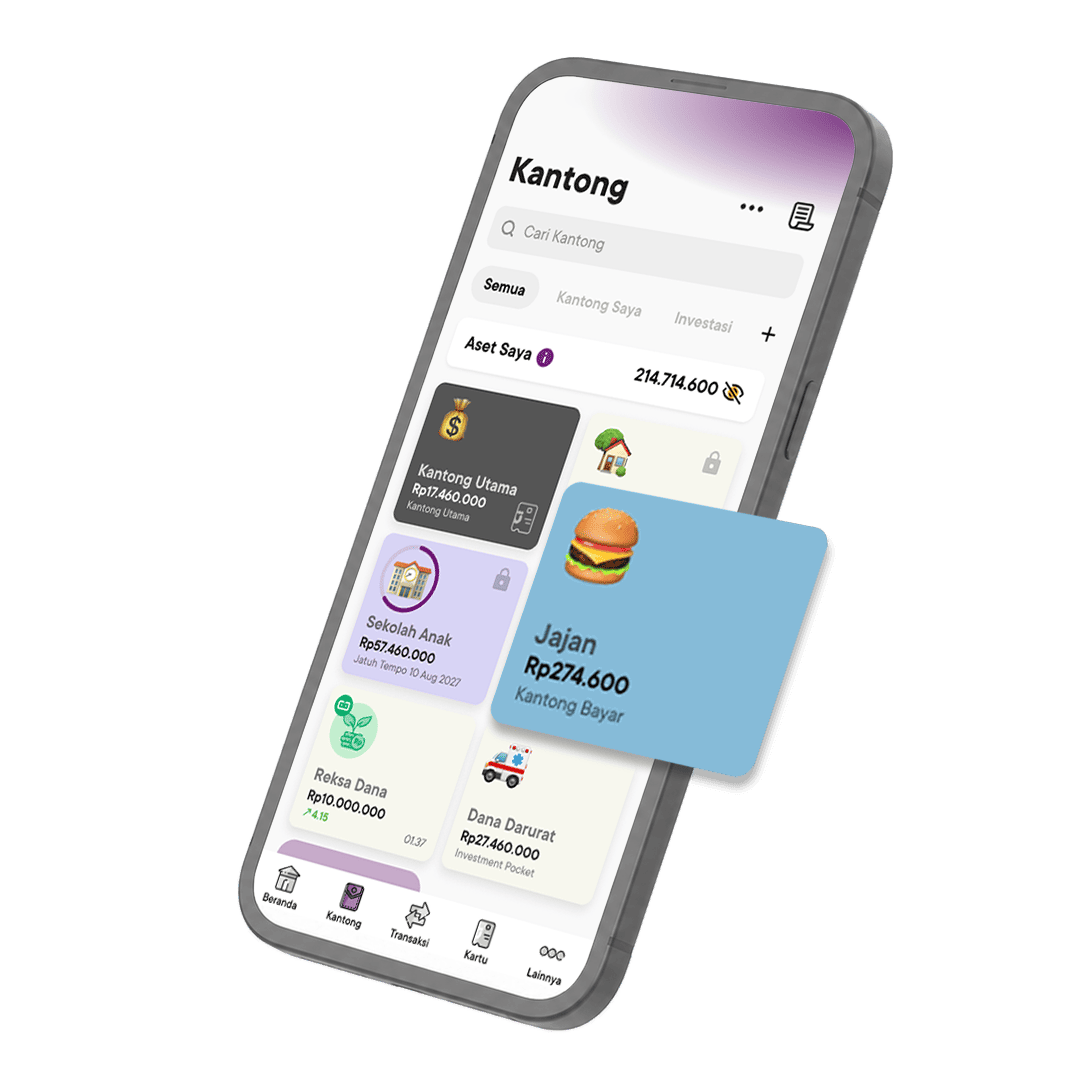
One thing that makes financial management using Pockets so fun is that parents can freely create as many Pockets as needed. One Pocket for one specific need.
Each Pocket can be personalized by changing the name, color, and adding your child's favorite emojis, making the financial learning process an interactive and engaging activity rather than a boring chore.
FAQ About Pockets for Children in the Jago Application
1. Can minors have their own Jago/Jago Syariah account?
Currently, registering for a Jago account or Jago Syariah account requires an ID card (KTP). Therefore, parents can use their own Jago/Jago Syariah account to create dedicated Pockets for their children, then show the progress and balances to them periodically via the Jago application on the parent's smartphone.
2. Will creating many Pockets in the Jago application incur extra admin fees?
No. The Jago app does not charge monthly admin fees even if you create multiple Pockets. Parents can freely separate their children's funds into various educational categories without worrying about admin fee deductions.
3. How do I automatically add money to a child's Pocket?
You can use the Auto-Budgeting feature in the Jago application. Simply set the schedule and transfer the amount you want to your children's Pockets every month (for instance, right after payday), so the saving process runs consistently and automatically.