


Spend Analysis
Details of expenses that make it easier for you to make financial decisions
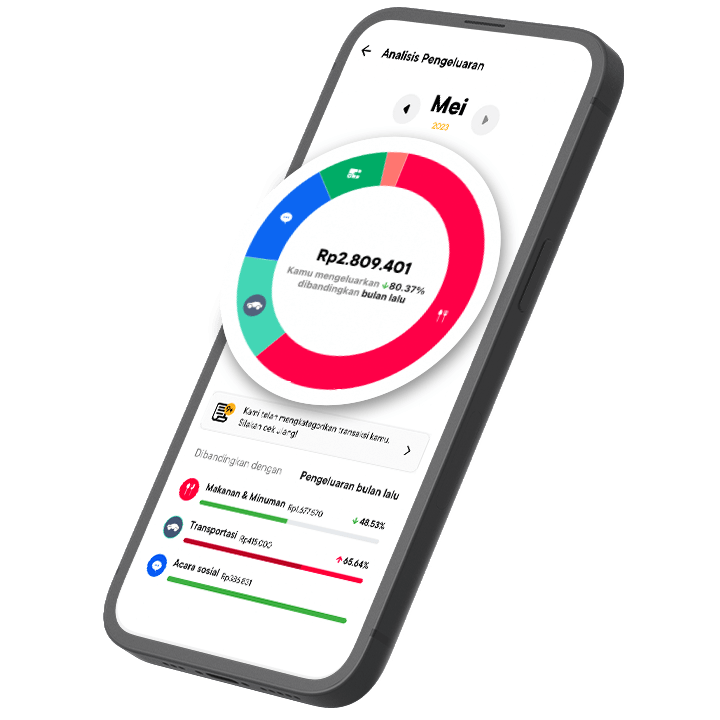
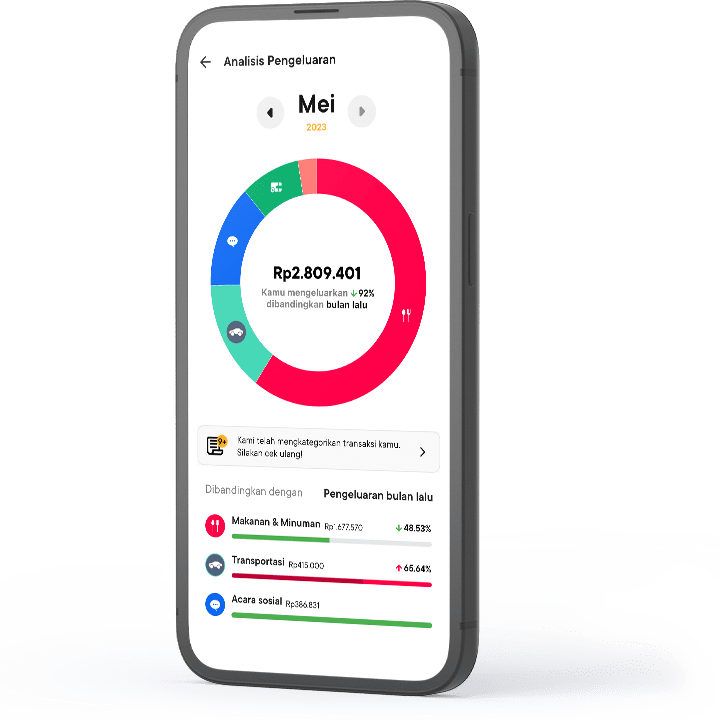
Reports that contain all the details of expenses that have been categorized. Presented in easy-to-understand diagrams and percentages.
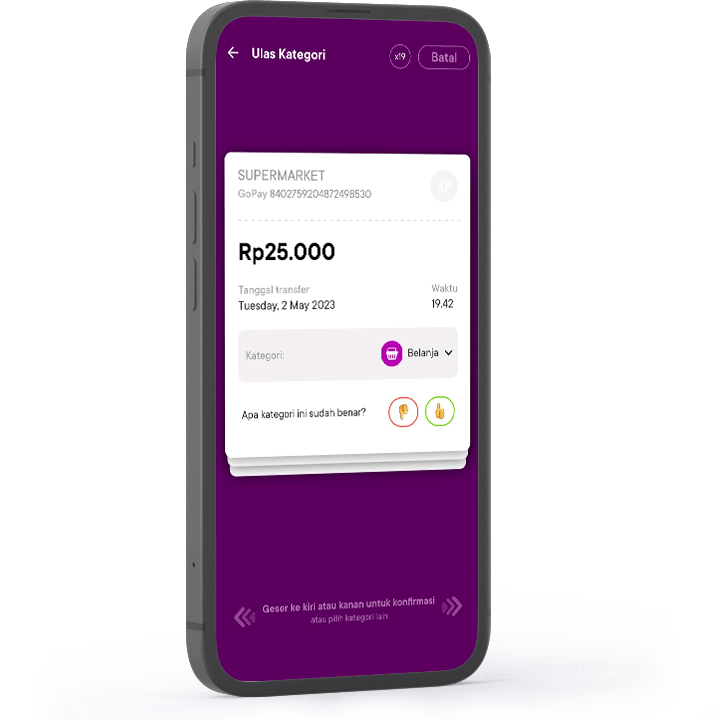
Recorded Automatically
No need to record transactions manually. Log in to your Jago application to view transaction history.

Expense Category
Jago's machine learning automatically categorizes every expense. But, you can also adjust it yourself according to preference.
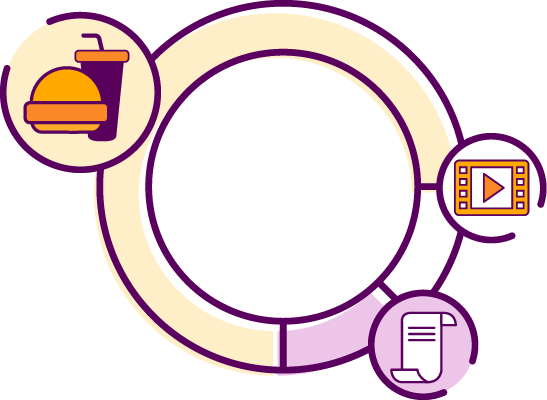
Spending Diagram
The amount of expense for each category is presented in the diagram. Find out more easily what types of expenses are most often made each month.
Monthly Spending Comparison
Evaluate spending performance from time to time. Compare the percentages and pay more attention to the categories that show higher increments from the previous months.
Want to Know More About the Spend Analysis Feature?
See FAQTime to Manage Your Money
the Way You Want
Create up to 60 Jago Pockets (bank accounts) without monthly admin fees to start saving, transacting, and managing expenses.
Open a Term Deposit in minutes directly from the app and get competitive interest. Withdraw your Deposit early (if needed) without penalties. Plus, there is a free quota for inter-bank transfers and e-Wallet top-ups up to 150x according to Account Level.


Grab your smartphone, scan the QR code below to download and register Jago from anywhere and anytime.
