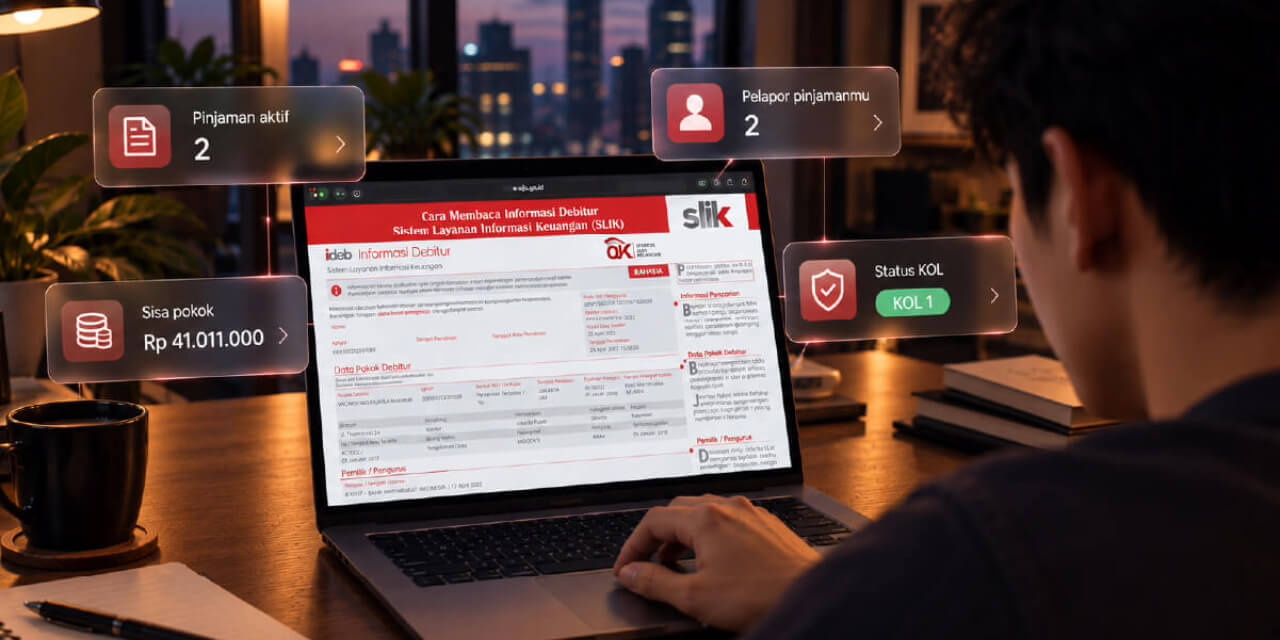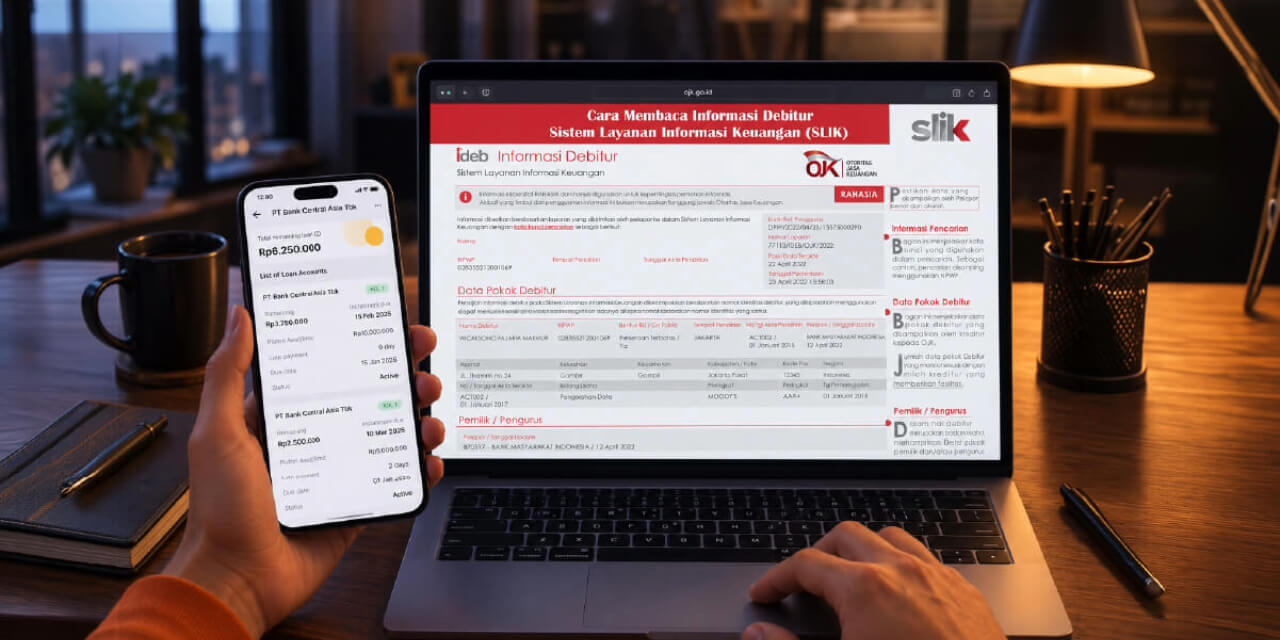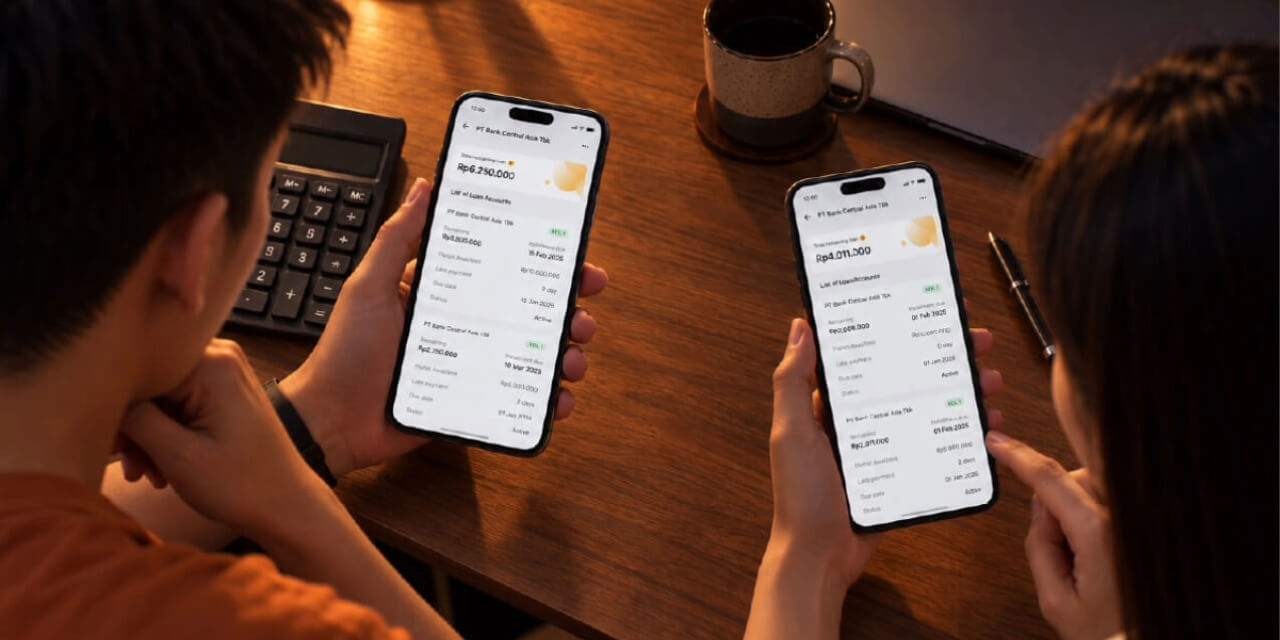

Have you heard about SLIK, iDeb, or “BI Checking”, but still feel unsure where to check it and what to look at?
No worries. Understanding your credit health can now start more easily.
In the Jago app, you can see a practical summary of your credit health, including collectability status and recorded active loans. This gives you an initial view of where your credit condition stands. If you want to see a more complete and detailed credit report, you can request it through iDebku OJK.
So, they work together. Jago helps you monitor credit health more easily in the app, while iDebku helps you understand the detailed credit report more thoroughly.
In this article, we will walk through how to request your credit report through iDebku, the steps to follow, and what to look at once the report is available.
What Is iDebku?
iDebku is an online service to request your SLIK Debtor Information from OJK.
In simple terms, your iDeb report contains credit or financing information recorded under your identity. It may show credit facilities, remaining obligations, credit quality or KOL, and repayment history.
This report can help you understand your credit health before making your next financial decision.
Documents to Prepare
Before starting, prepare your basic documents and information.
For individual debtors, the main document is:
- KTP for Indonesian citizens
Also prepare:
- active email,
- active phone number,
- photo or scan of the original document,
- and a few minutes to fill in the form carefully.
Make sure the data matches your official identity to avoid issues during the request process.
How to Request Your Credit Report Through iDebku
Here are the simple steps:
- Open the official iDebku OJK website
Access iDebku OJK (https://idebku.ojk.go.id) through your browser. Make sure you are using the official site, not a link from an unofficial party. - Choose “Pendaftaran”
On the main page, select Pendaftaran to start requesting Debtor Information. - Check service availability
Fill in the required fields on the first page, then click Selanjutnya. This step checks service availability. - Fill in your personal data correctly
Complete the registration form based on your official identity. Check your name, ID number, address, email, and phone number carefully. - Upload documents and selfie
Upload a photo or scan of your original document based on the instructions. You may also be asked to upload a selfie following specific instructions. - Submit your request
Review the information you entered. If everything is correct, tick the data accuracy statement and click Ajukan Permohonan. - Check your status and wait for the result by email
After successful registration, you will receive a registration number. You can use it to check your service status.
Once processed, the iDeb result will be sent to your registered email.
Smart move: checking your credit report is like checking your financial condition. It helps you know where you stand and make smarter decisions.”