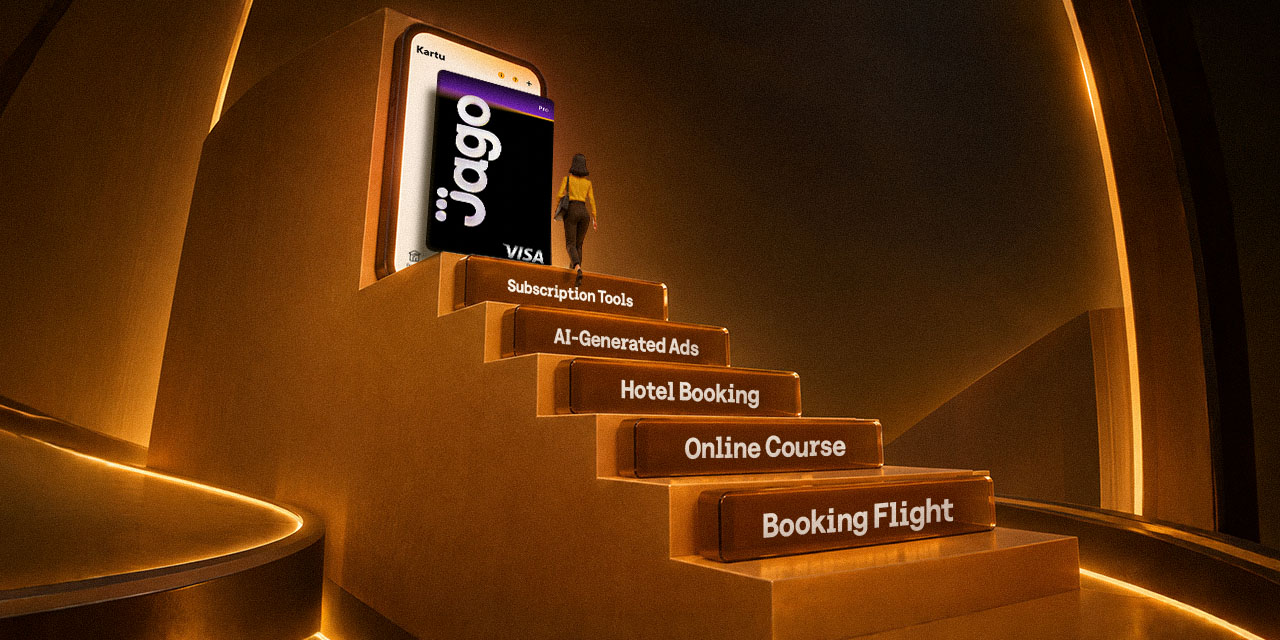

The recent rise of AI content creators is currently reaching its peak. Today’s creators no longer work on visuals, scripts, or video editing manually from scratch. The presence of artificial intelligence has proven to cut working time from days down to hours. You can produce dozens of pieces of content in a single sitting, ranging from hyper-realistic visuals and AI avatars to automated voiceovers.
However, there is a financial reality that rising AI creators often overlook: fragmented tool subscriptions.
Most AI software charges recurring monthly fees. Without realizing it, monthly subscription costs across four to eight different tools, from text generators and image processors to video generators, can accumulate from hundreds of thousands to tens of millions of rupiah per month.
If all these payments come directly out of your main account, your personal finances can get messy, and tracking operational expenses becomes difficult. Therefore, building a separate financial system is an essential foundation for growing your channel or business sustainably.
How AI Content Creators Can Manage Tool Budgets Practically
Separating content operations cash flow from personal finances is no longer optional, it is a necessity. Without an organized system, you will find it hard to calculate your monthly operating expenses relative to your income from advertising or sponsorships.
With proper allocation-based money management, you can invest in premium tools in a controlled way without worrying about overspending your daily budget.
Separate Tool Shopping Expenses Using the Pocket Feature from Jago/Jago Syariah
To maintain healthy cash flow, setting aside dedicated funds is the first step you need to take. You can use the Pocket feature to create separate sub-accounts under one main account.
- Create a Dedicated Tool Shopping Pocket: Set up a separate Spending Pocket specifically for monthly software budgets.
- Set a Monthly Budget: Determine the maximum balance limit for that Pocket based on your total estimated recurring bills.
- Financial Separation: Funds for personal needs like lifestyle, daily shopping, and savings will not be affected when software subscriptions are automatically deducted.
Practical International and Domestic Payments Using the Digital Pro Card
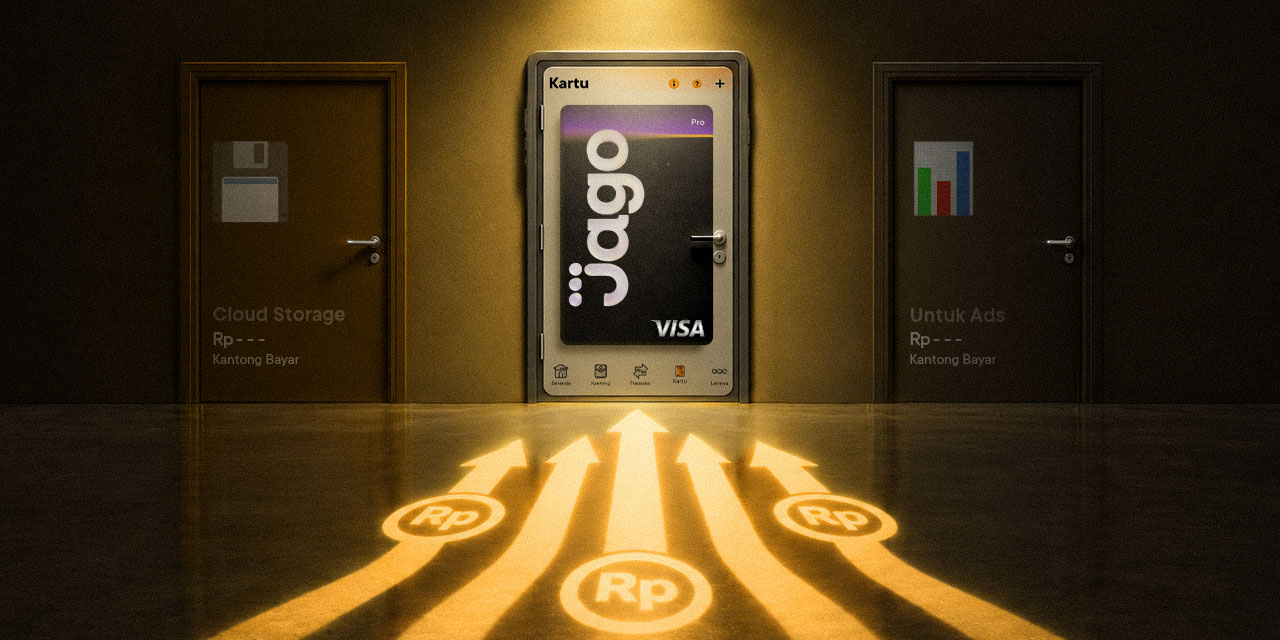
After setting aside funds in your tool shopping Pocket, you need a practical and flexible payment instrument for both international and local platforms. The Digital Pro Card feature from Jago or Jago Syariah, linked to the Visa network, can be connected directly to your chosen Spending Pocket.
This digital debit card can be activated instantly right from the app. Key advantages include:
1. Daily Limit Advantage up to Rp200 Million
The main advantage that sets Digital Card Pro apart is its limit flexibility. You can set daily transaction limits up to Rp200 million per day, ideal for paying enterprise-scale AI tool subscriptions, buying high-capacity computer server credentials, or running large ad campaigns without standard daily limits holding you back.
2. Seamless International Transactions
Directly usable for global AI platform subscriptions requiring a Visa-branded credit/debit network.
3. Automatic Calculations and Balance Protection
YourDigital Pro Card only draws funds from the linked Pocket. If the dedicated tool Pocket balance runs out, the system will not touch your main savings.
4. Flexible Limit Controls
You can freely adjust the card's transaction limits from small amounts up to Rp200 million via the app to keep expenses on track.
5. Easy Digital Access
Your card number, expiration date, and CVV code can be accessed instantly inside the app.
By combining the allocation power of the Pockets with the flexibility of the Digital Pro Card from Jago/Jago Syariah, your AI-powered creative workflow can keep running smoothly.
FAQ About Business Payments Using the Digital Pro Card
1. Can I use the Digital Pro Card for automatic monthly recurring payments?
Yes. Just make sure you have sufficient funds in the linked Pocket before the transaction takes place.
2. Can I create multiple Digital Card Pro cards at once?
Yes, you can create multiple digital debit cards and connect them to different Spending Pockets, for example, keeping your AI tools shopping card separate from your digital ads operations card.