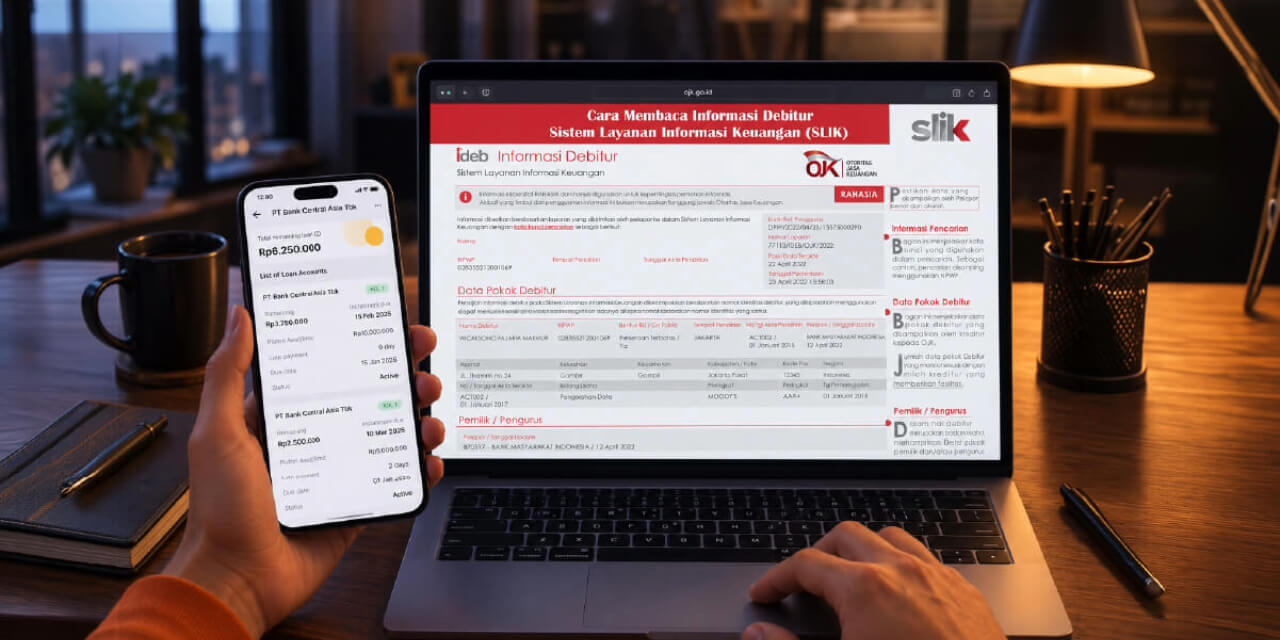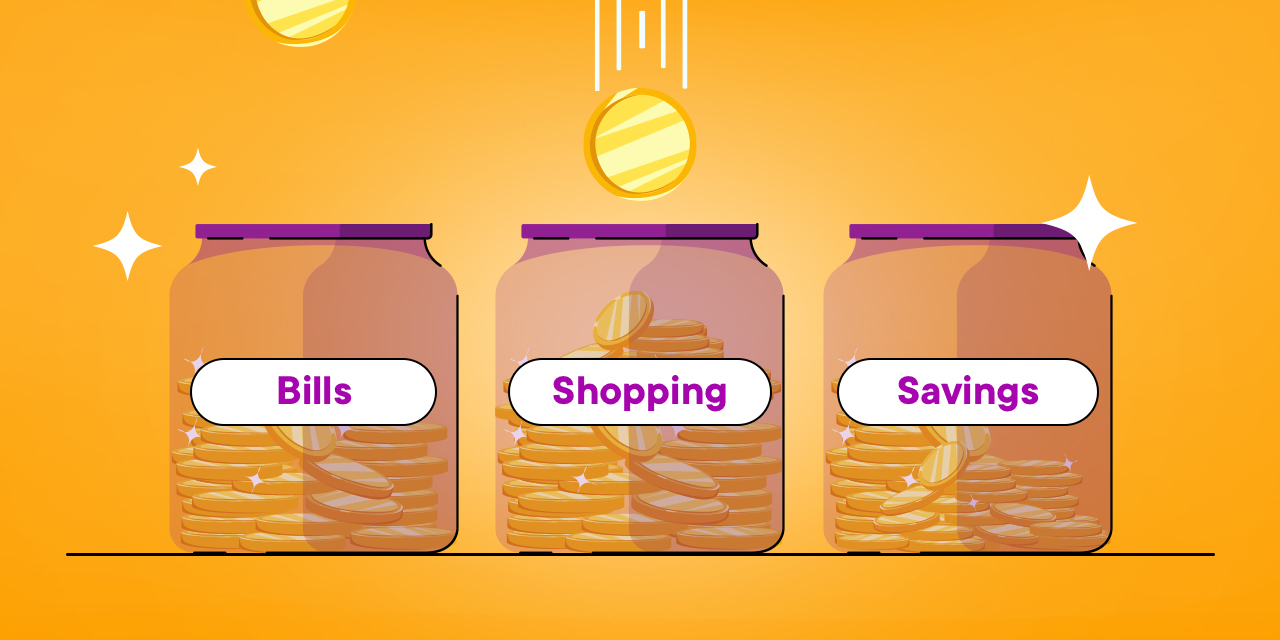

Ever felt like your salary just arrived a few days ago, but suddenly the balance just evaporated into thin air? Or are you the type of person who inevitably ends up opening 3 to 4 accounts at different banks just to keep your spending money, rent money, and emergency fund separate?
Having multiple bank accounts is indeed an effective way to keep your funds from mixing together. However, managing multiple accounts can lead to monthly admin fees that drain your balance, the headache of memorizing numerous account numbers, and the hassle of constantly transferring funds back and forth between banks.
Through the Jago application, you can implement this multi-account strategy far more practically and efficiently using the Pockets feature.
Why Do You Need to Separate Money into Multiple Pockets?
In financial psychology, the phenomenon of combining all your money into a single spending account is known as a Mental Accounting Error. When you see a balance of Rp10,000,000 on a single screen, your brain subconsciously treats it as "idle money" that is safe to spend, even though Rp7,000,000 of it is actually designated for rent, utility bills, and your emergency fund.
By separating your money into dedicated Pockets in the Jago application, you gain three major advantages:
-
Clear Boundaries: Your daily spending money will never "accidentally" be used to pay your bills.
-
Every Pocket Has Its Own Account Number: In Jago, 1 Pocket = 1 unique Account Number. You can share the account number of a specific Pocket (e.g., a Bill-Splitting Pocket) with friends without revealing your main account.
-
Zero Monthly Admin Fees: You can create dozens of Pockets without paying a single cent in admin fees!
Applying the Traditional Envelope Method in a Modern, Digital Way Using the Jago Pockets
While the physical envelope method was widely used in the past to allocate money for different needs, the same concept applies today. The only difference is that it's now done digitally using advanced technology, making it far more practical and effortless.
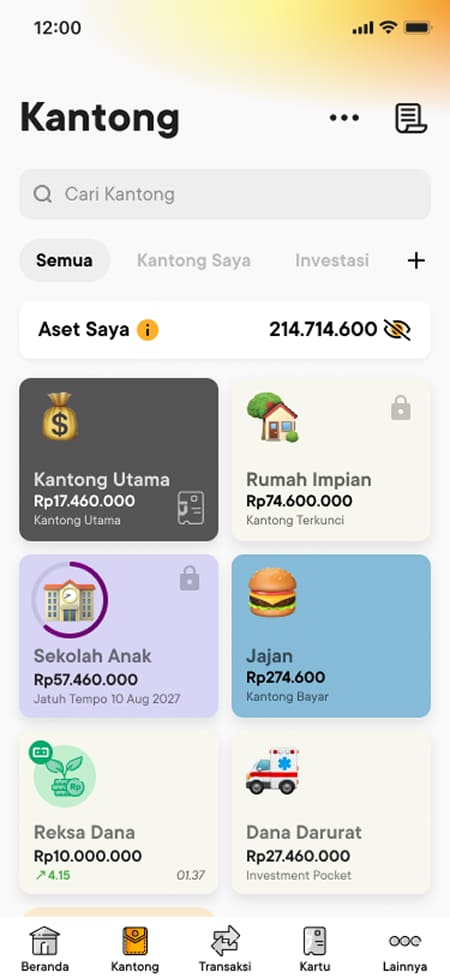
1. Spending Pocket (For Daily and Monthly Operations)
This Pocket acts as your daily transaction account. You can create several Spending Pockets, such as:
-
"Food & Snacks" Pocket
-
"Bills & Rent" Pocket
-
"Fuel & Transport" Pocket
Jago Hack: You can link your Jago Debit Card or Jago QRIS to a specific Pocket of your choice. When you go on vacation, simply connect your debit card to your "Vacation" Pocket so your spending remains isolated within that specific budget.
2. Saving Pocket (For Future Goals & Sinking Funds)
This Pocket serves to lock away or accumulate funds for financial goals, such as:
-
"Emergency Fund" Pocket
-
"House/Vehicle Down Payment" Pocket
-
"Children's Education" Pocket
Jago Hack: Enable the Set Target feature to visually track your savings progress percentage, or use the Auto-Budgeting feature so funds automatically move from your source Pocket every payday.
How to Create a New Pocket in the Jago Application in Seconds
Creating a new Pocket (account) in Jago is easy and instantaneous, requiring no document re-uploads or trips to a bank branch:
-
Open the Jago application.
-
On the Main page, select the Pockets menu and tap Create Pocket.
-
Choose your desired Pocket type: Spending Pocket or Saving Pocket.
-
Name your Pocket (e.g., Salary & Operations or Running Shoes Fund), choose a color, and assign a suitable icon.
-
Tap Create Pocket. Done! Your new Pocket is instantly active and ready to use.
Frequently Asked Questions About the Jago Pockets
1. Can the Jago Pockets be used for interbank transfers?
You can make transfers to other banks from your Main Pocket and Spending Pockets. Meanwhile, for all types of Pockets (such as Saving Pockets), others can transfer funds directly to that specific Pocket's account number, as every Pocket is equipped with its own unique account number.
2. What if I choose Jago Syariah?
For Jago Syariah users, Spending Pockets and Saving Pockets utilize Wadiah Yad Dhamanah akad (non-interest-bearing deposits), while Sharia Deposit Pockets use Mudharabah Mutlaqah akad for fair and transparent profit-sharing.
Read all the differences between Jago and Jago Syariah in this article.
Conclusion
Managing your finances doesn't need to be complicated. Through just one single application, the Jago application, you can have dozens of neatly organized, separate "accounts" with zero admin fees, making your salary allocation far more measurable.
Open your Jago application now, create your new Pockets today, and experience how easy it is to take control of your finances right from the palm of your hand!