



Have you ever changed your phone number? Replacing the old number with a new one is common, but we often forget to update important data in bank accounts. Yet, the phone number registered in the Jago application, whether you have a Bank Jago account or a Jago Syariah account, is very crucial because it is used for account verification and security.
Can I Change My Phone Number with Bank Jago/Jago Syariah?
Yes, absolutely! The process for how to change your phone number is very simple and can be done directly from the application or with the help of Customer Service if you cannot access the application.
2 Ways to Change Your Phone Number at Bank Jago/Jago Syariah
This guide is divided into two main scenarios to ensure your Bank Jago/Jago Syariah account is always connected to an active number.
Scenario 1: If you can access the Jago application
This is the quickest and most practical way to change the phone number registered in Bank Jago/Jago Syariah:
- Open the Jago application and log in as usual.
- Select the "More" menu.
- Select Profile (the icon in the upper right part of the screen).
- Select the Edit Profile icon (the pencil image).
- Change the phone number in the "Phone Number" field, then click "Change".
- Enter the new phone number.
- Enter your Jago Password for security confirmation.
- Enter the OTP code sent to the new phone number.
- You will receive a notification that the phone number information on your Bank Jago/Jago Syariah account has been successfully updated!
Scenario 2: If you cannot access the Jago application
This situation usually happens if your phone is lost, out of reach, or if you forget some personal details such as email and password needed to log into the Jago application.
If this happens to you, don't panic because the Jago team is ready to help. Follow these easy steps to change your phone number.
- Submit a request via email
Send an email request for the number change from the email address you used to open your Jago account to [email protected]. State your reason for wanting to change the currently registered phone number.
- Wait for the declaration letter
You will receive a reply email containing a declaration letter. Fill out the declaration letter, sign it with a 10,000 Rupiah stamp duty, take a selfie photo along with the signed letter, and send it back via reply email.
- Final verification
After the phone number change request is approved, call the number provided by Bank Jago Customer Service via email as part of the verification process.
The Jago Application for Easier Financial Management and Saving: What are the Advantages of Bank Jago/Jago Syariah?
Managing finances and saving using the Jago application is simpler, more organized, and convenient with the following advantages.
1. Saving money becomes easy, clear, and goal-oriented with the Jago/Jago Syariah Pockets
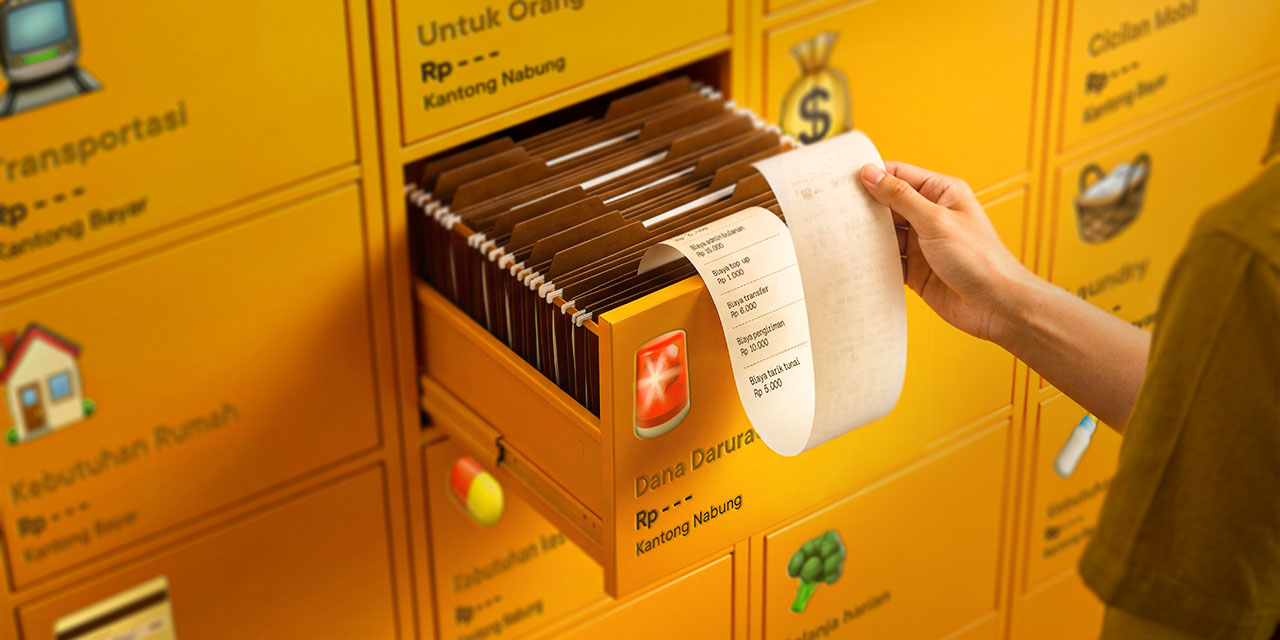
Instead of saving in one large account mixed with expenses, you can create many Jago Pockets/Jago Syariah Pockets that function like separate accounts.
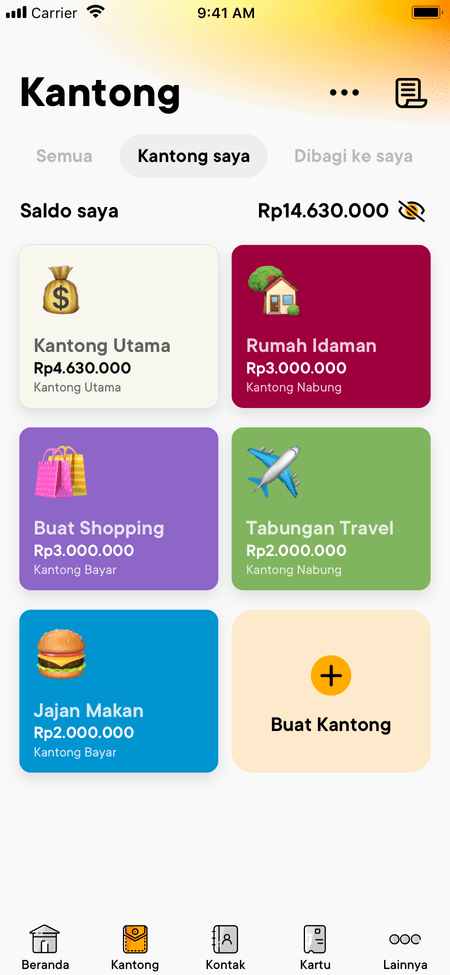
You can create an "Emergency Fund Pocket," "Vacation Savings Pocket," "Bill Payment Pocket," and many more, depending on your needs. Separating the budget or funds ensures you know exactly where the money should be allocated.
2. Easy collaboration in the Jago/Jago Syariah Pockets
You can utilize the Jago application to manage joint finances, for example, to manage household finances or save together with friends for a group vacation. With the Shared Pocket, you and the members can save and manage finances more practically and monitor finances together transparently.

3. Automation for disciplined budgeting and saving in the Jago application
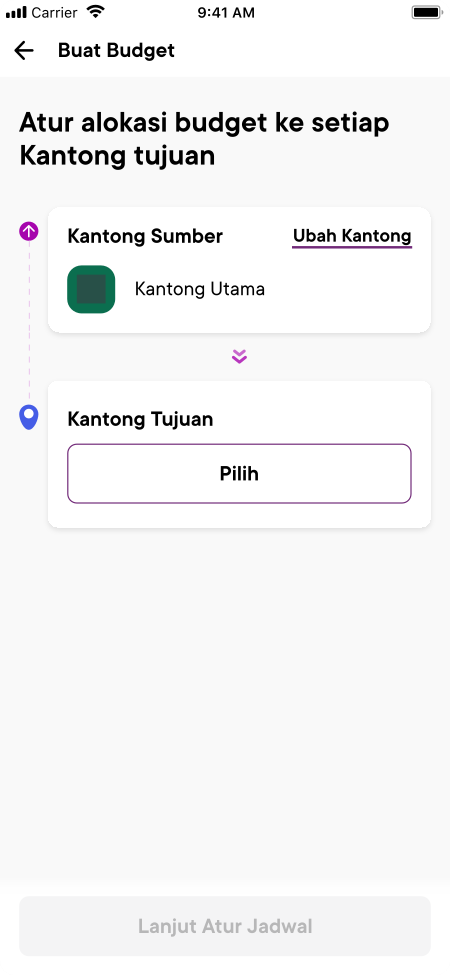
To ensure more organized spending and prevent you from overspending, use the Auto-Budgeting feature. Set savings or routine allocations to automatically move to the destination Pocket on the date you specify. Financial discipline will be built effortlessly.
Q&A About Changing Phone Numbers and Bank Jago/Jago Syariah Accounts
1. Why should I change the registered phone number in Bank Jago/Jago Syariah, and when should I do it?
The phone number is very important for security. It is used for verification or receiving the OTP. If your old number is no longer active, you risk losing access to your account.
2. Do Bank Jago and Jago Syariah charge a monthly admin fee for saving in the Pockets?
One of the advantages of Jago/Jago Syariah is that you can have many Pockets without being charged a monthly administration fee per Pocket. This supports the ease of managing finances and saving separately.
3. Can a Jago Pocket/Jago Syariah Pocket become a dormant account?
Yes, your Jago Pocket/Jago Syariah Pocket can become a dormant (inactive) account if no active transactions are performed within a certain period. To prevent the account from becoming dormant, make sure you routinely perform transactions (such as transfers, payments, or top-ups) in every Pocket you own. Learn more about dormant accounts and how to avoid them in this article.