


Jagoans, have you ever experienced a sudden internet disconnection when working on something important? The deadline for work was only a few minutes away and the internet suddenly disconnected. As a result, you were scolded by the boss for being late in submitting your work. Or, you were in a meeting with a super important client, then the internet died. Because the client was busy, the meeting needed to be rescheduled.
Apart from you, other family members who depended on the internet also suffered the consequences. Your child was taking an online quiz but was not able to submit it. As a result, they got zero because the submission time had passed.
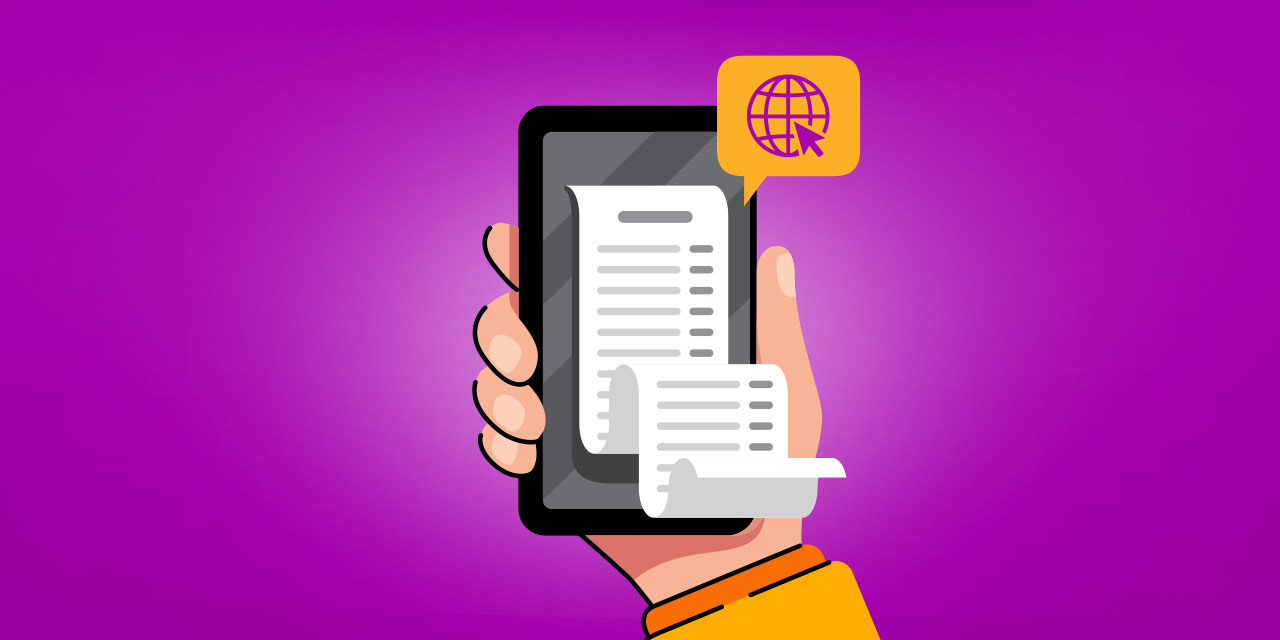
Experiencing all the above, you and your family members might immediately blame the internet provider. But, after finding out, it turns out that you forgot to pay your internet bill. That’s why the internet connection was blocked by the internet provider.
It's not just you, many people have experienced similar incidents. Although internet bills are bills that must be routinely paid every month, people keep forgetting to pay.
Actually, you can always pay your internet bill on time every month, as long as you know how. The know-how is what Jago is going to discuss next in this article.
You Can Always Pay Internet Bill On Time Every Month
For everything to run smoothly, careful planning is required. If you want to get on a plane at 2 pm, you need to plan what time you have to arrive at the airport so you don't miss your flight. If you want to travel abroad without joining a tour, you need to make a travel plan.
The same goes for paying internet bills. To be able to plan well, you can take advantage of the Plan Ahead feature in the Jago application.
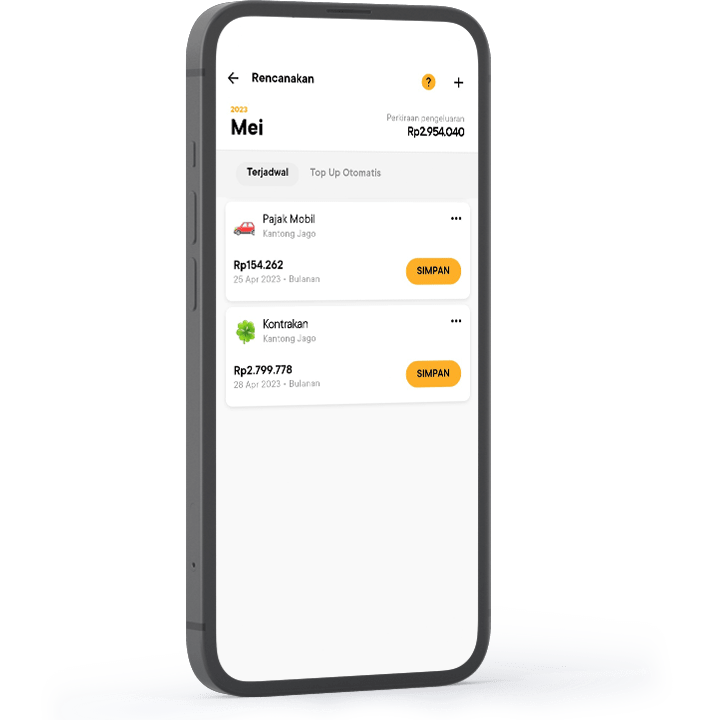
As the name implies, the Plan Ahead feature makes it easy for you to schedule the transactions you need. If well-scheduled, you won't forget to complete them.
In the Plan Ahead feature, you can choose the automatic transfer or automatic bill payment sub-feature. All payments will then be completed automatically according to the time you have specified. You can also set the level of automation, whether it is semi-automatic or fully automatic.
Allocate Money to Pay Internet Bills Using the Jago Pocket
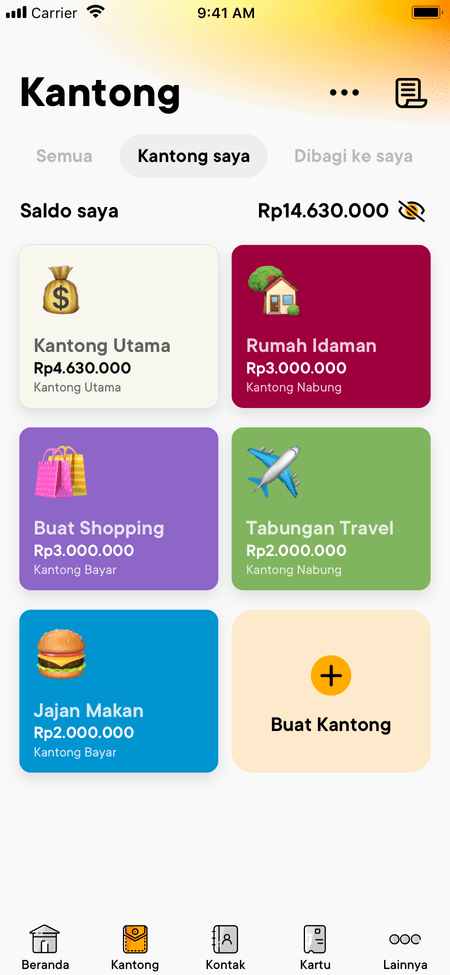
Make sure the funds are always ready whenever it is time to pay the internet bills. Separate the budget for monthly bills using the Jago Pocket. To be hassle-free, use the Auto-Budgeting feature so that money moves automatically to your Bills Pocket from the source Pocket.
Find out more about Auto-Budgeting in this article.
Try using the Plan Ahead feature and the Jago Pocket feature (with automatic budget allocation), and your internet bill will be paid on time.