
Ever felt the hassle of having to enter a PIN or type a password every time you want to make a transaction, like sending money quickly or paying for groceries? In the middle of a fast-paced daily routine, seamless financial transactions are definitely a top priority.
Understanding your need for simpler yet fully protected transactions, the biometric feature for transactions is now available to support various daily transaction activities in the app, for both Jago and Jago Syariah users!
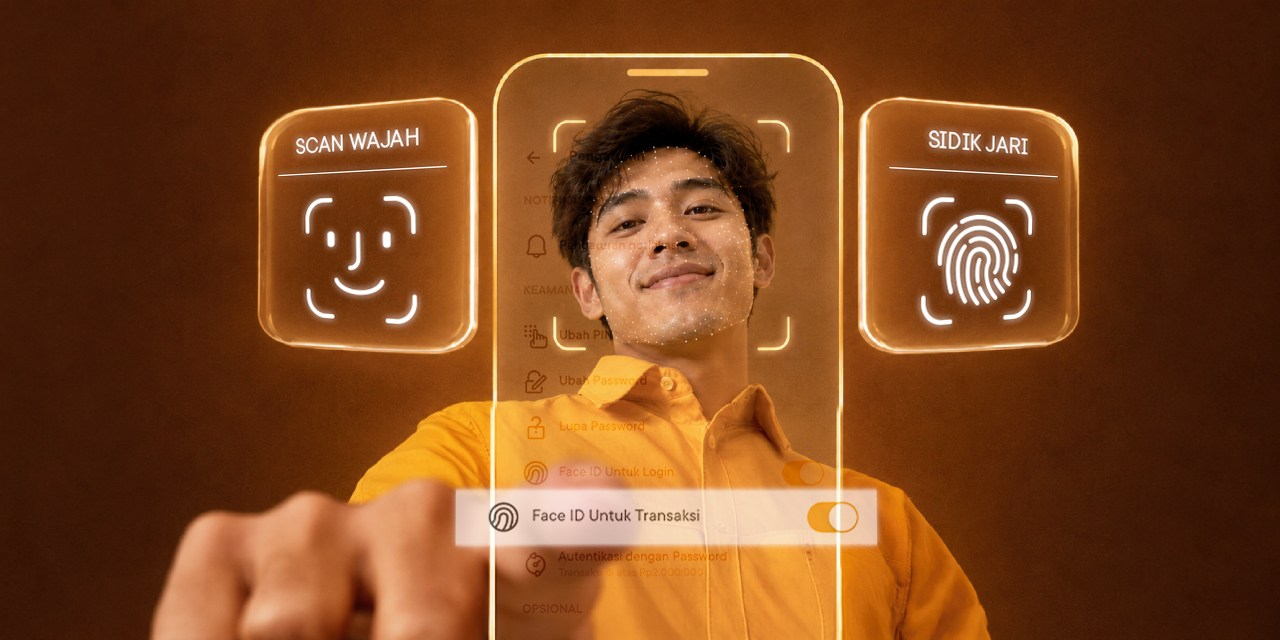
Previously, biometric authentication methods such as fingerprint and face recognition (Face ID) were already available for logging in. Now, you can use them directly when making transactions on your Android or iOS device.
Benefits of Activating the Biometric Feature for Transactions with Jago/Jago Syariah
Biometric authentication doesn't just offer a high-tech feel, it delivers a much more seamless financial experience.
Here are the main benefits you can enjoy:
1. Faster and More Convenient Transactions
You no longer need to remember or re-type your PIN or password when transacting. A quick fingerprint or face scan completes your transaction in seconds.
2. Hassle-Free in Any Situation
Perfect for active routines. Paying at the cashier checkout or settling bills amidst your busy schedule becomes effortlessly efficient.
What Can You Use the Biometric Feature For?
Now, face recognition or fingerprint authentication isn't just for logging into the app, but also for confirming various types of transactions, including:
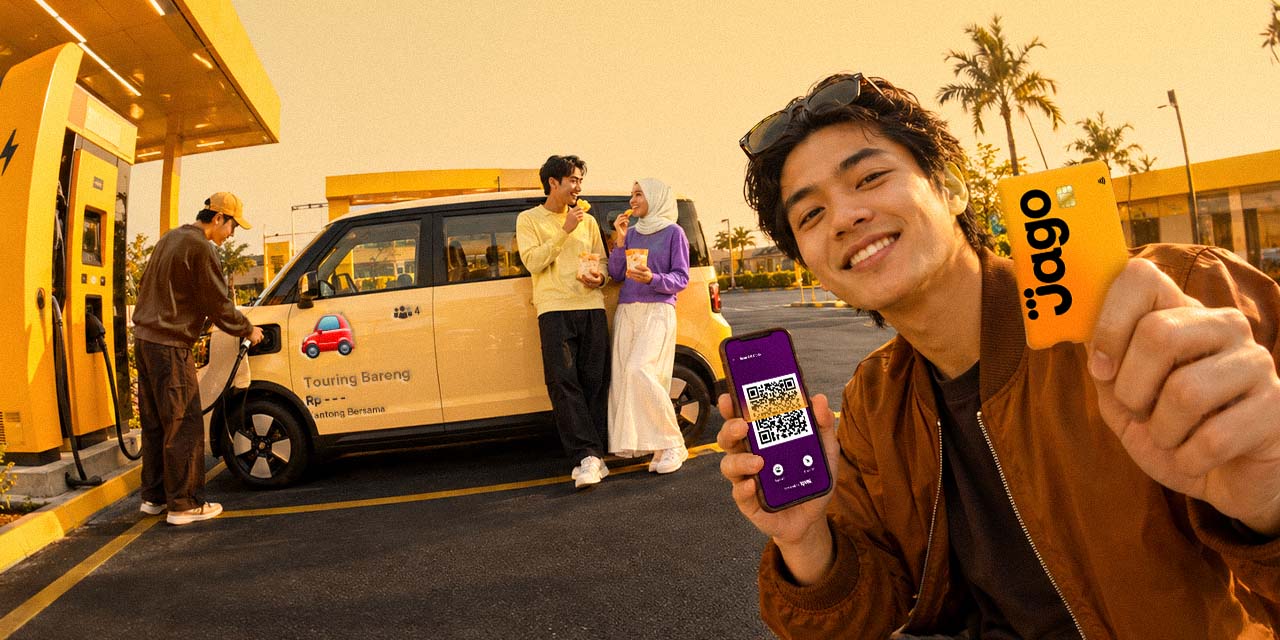
- QRIS Transactions: Pay for purchases at your favorite merchants with just a single biometric scan.
- Fund Transfers: Send money to other Jago accounts or other banks without typing a password.
- Bill Payments: Routine bill payments like electricity, water, as well as e-wallet purchases and top-ups become much simpler.
Take Control of Your Finances with Biometric Transaction Limits
To keep you feeling secure while maintaining full control over your finances, biometric authentication comes with flexible biometric transaction limit settings:
1. Default Limit
The system automatically sets a default biometric authentication limit of Rp2,000,000.
2. Maximum Limit
You can adjust your maximum biometric transaction limit up to Rp10,000,000.
3. Large Transaction Protection
If your transaction amount is at or below your set limit, it will be processed quickly using face recognition (Apple iOS) or fingerprint (Android).
If the transaction amount exceeds your limit, you will be prompted to enter additional authentication in the form of a password for extra security.
Guide to Activating and Managing the Biometric Feature
Eager to experience the ease of transacting with a fingerprint or face scan? You can manage this feature easily directly from the app:
1. Transaction Biometric Feature Activation
You can activate this feature via the app's Settings menu or directly while making a transaction.
2. Setting & Adjusting Limits
You are free to change your biometric transaction amount limit at any time to suit your preference.
3. Deactivating the Biometric Feature
If you ever wish to return to using your PIN or password entirely, you can easily deactivate this feature through the Settings menu.
Need a Step-by-Step Guide?
Complete step-by-step instructions on how to activate, set limits, and deactivate the biometric feature in the app can be read on this page.