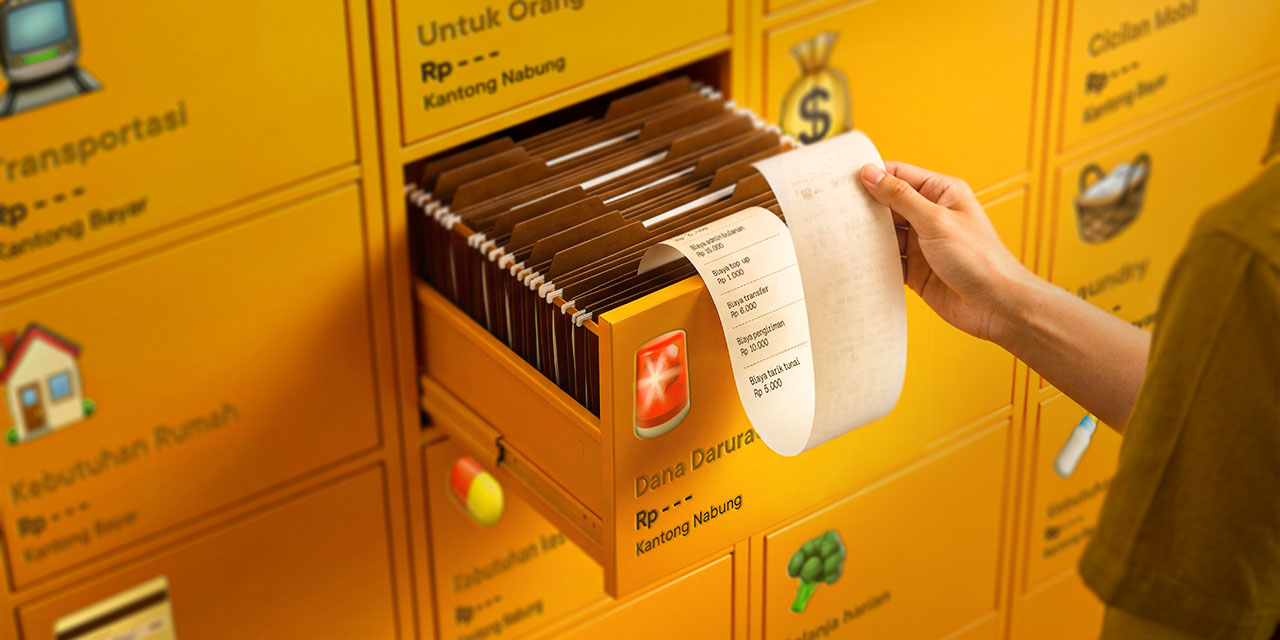




Do you want to buy a new phone? You need to save money first. If you are not sure how to save, find out the 3 effective ways to save money for a new phone here.
Quick Ways to Save for a New Phone
1. Make a budget for every need
How much money can you set aside each month for savings? You can only know the answer after making a budget for each need.
With budgeting, you know exactly where the money is going. With budgeting, you can also find out if there are ways to reduce expenses so that more money can be saved and a new phone can be bought faster.
In this day and age, making a budget no longer needs to be done manually. You can use the Jago Pocket in the Jago application. There are the Spending Pocket and Saving Pocket.
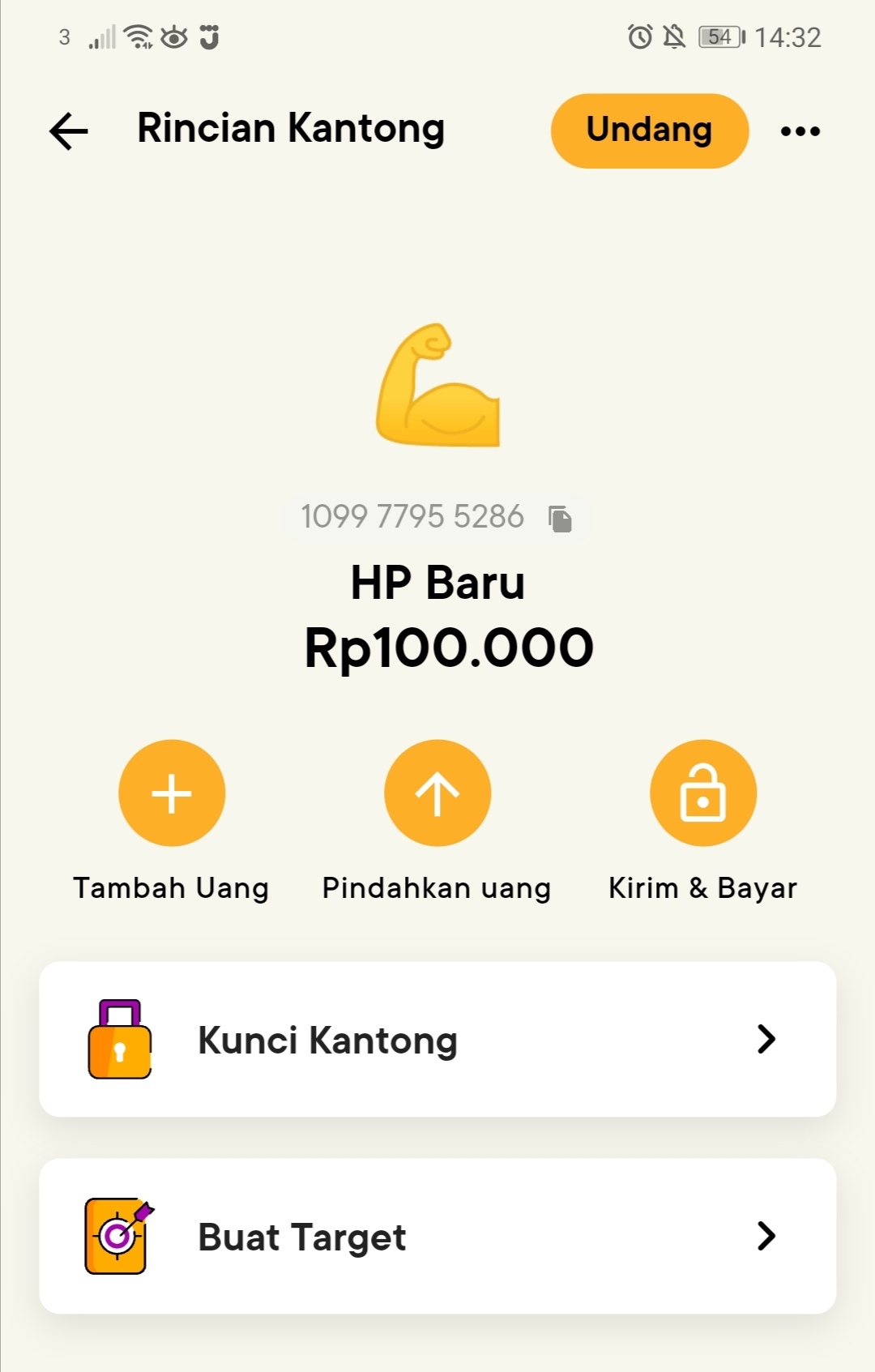
To buy a new phone, of course the Pocket you need to create is a Saving Pocket. Later when you want to buy your dream phone, you can change the Pocket’s function to a Spending Pocket.
2. Set a target to buy a new phone
You can set a target of when you will buy a new phone. Maybe, it's a good idea to be patient and wait a while after the release of your dream phone. Usually, the price will drop after a few months.
By setting a target, it will be easier to see the progress of your savings. With Jago, you can set a target in the Saving Pocket. You can monitor your saving progress any time you want.
3. Automate saving with the Autosave feature
The last way is very effective not only in terms of growing savings but also freeing yourself from unnecessary hassles.
By automating saving, you don't have to spend time transferring money into your savings. You also don't need to set a reminder.
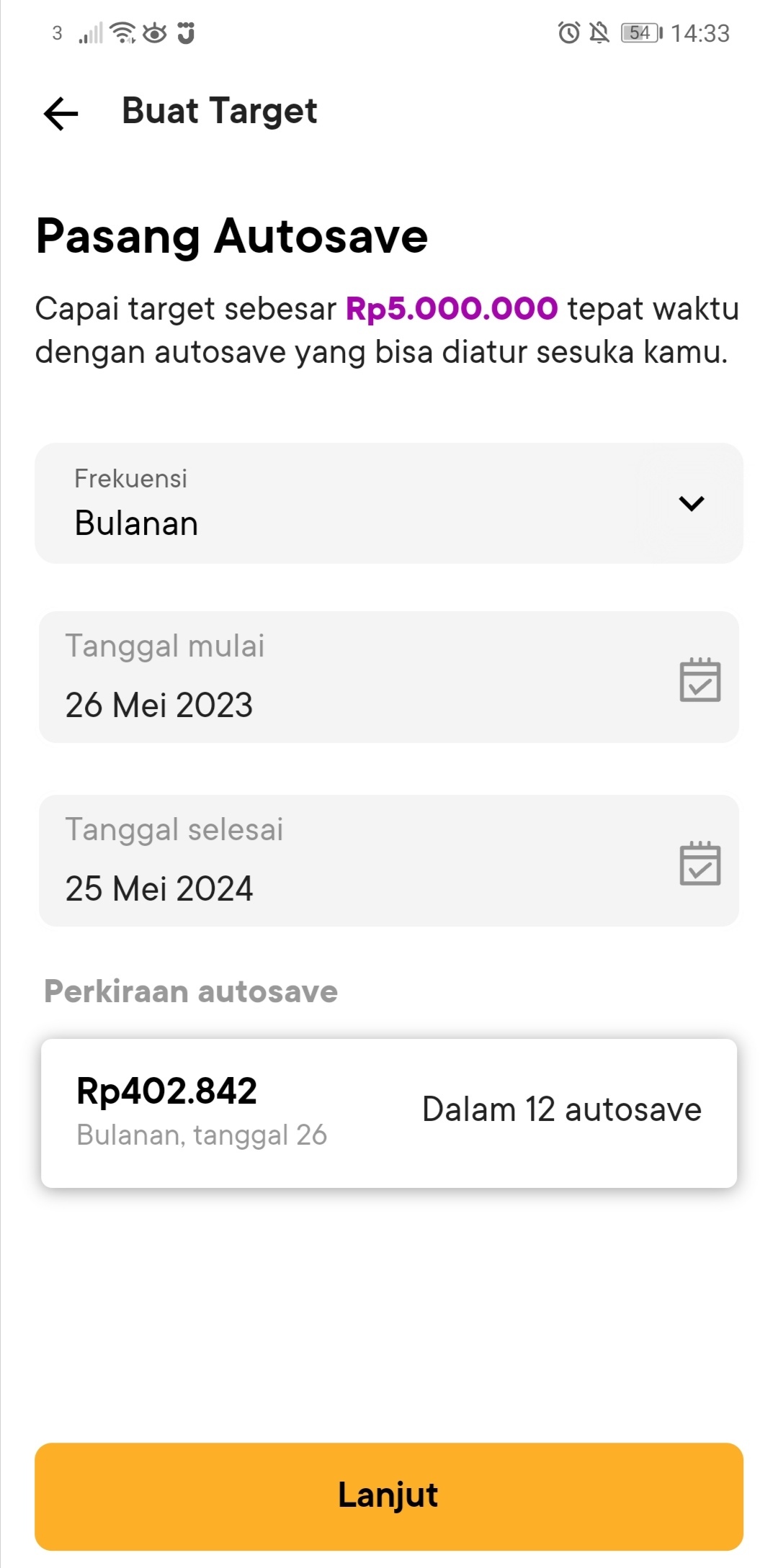
In addition to setting a target, in the Saving Pocket you can activate the Autosave feature. Watch your savings grow more and more without you doing anything. You just need to tell Jago when you want the money to be transferred to the Saving Pocket along with the amount when activating the Autosave.
Ready to apply the 3 effective ways of saving above? Don't forget to download the Jago application here (for those who don't have it yet) and use the features mentioned.