


Need Help?
Use Jago
Child Pocket
How to Add Money to Child Pocket
You can add money to the Child Pocket:
- directly from your other Jago Pocket
- from other bank account
Add Money from Other Jago Pocket
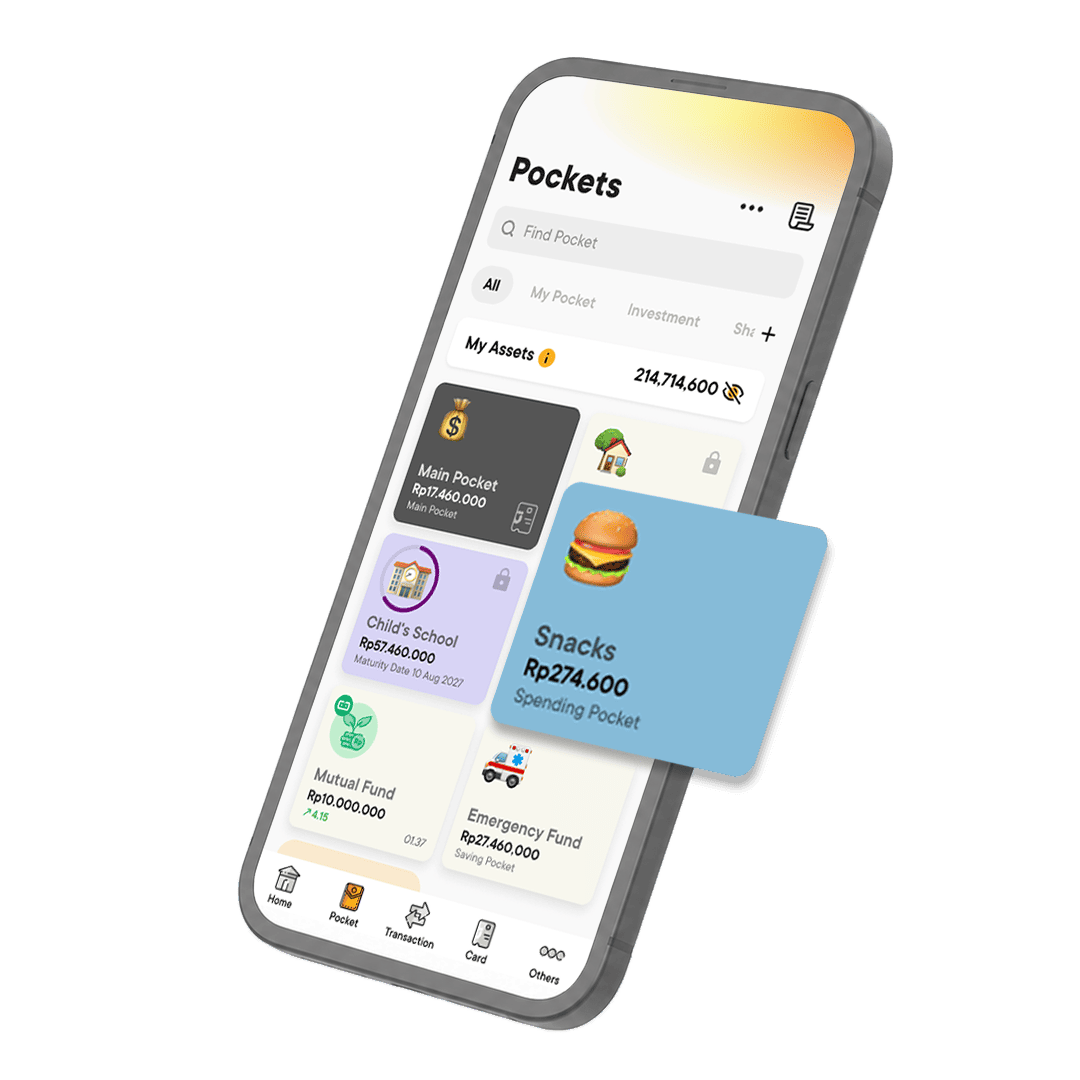
- Open Pockets > choose the Child Pocket you wish to add money in.
- Inside the Child Pocket details page, tap on the Add Money button.
- Type in how much money you want to add and select the Pocket source.
- Tap Add Money to finalize.
Add Money from Other Bank Account
You need to choose the Child Pocket that will receive the money and input the number as the transfer destination from the source of fund bank.
To find the Child Pocket number:
- Open Pockets > choose the Child Pocket you wish to add money in
- In the Pocket Details page, the number is above the Pocket's name. You can tap the copy icon right next to the number.
- Paste or input that number as the transfer destination account number from the source of fund bank.
Use Jago
About Child Pocket
Use Jago
How to Register Child to Jago Junior
Require further assistance?
Contact Tanya Jago