



Entertainment can indeed add color to our lives. Luckily, in this day and age, technological sophistication makes it easier for all of us to enjoy entertainment. Various digital streaming services are available. Choose what you like and pay the subscription fee, you can immediately enjoy the service. But, have you tried the Jago Visa Debit Card to make payments? There are many benefits.
Benefits of Paying for Digital Streaming Services Using the Jago Visa Debit Card
1. Practical as it can pay for a lot of things
The things that Jagoans who read this article like can be different. Some prefer to watch movies and television series, some prefer to listen to their favorite music while studying or doing office work. Some are big fans of Korean culture, some like online shopping. Maybe there are Jagoans who like all these things and then fill their spare time by playing video games.
To enjoy quick payments for your favorite streaming services, there is one debit card that can facilitate, namely the Jago Visa Debit Card.
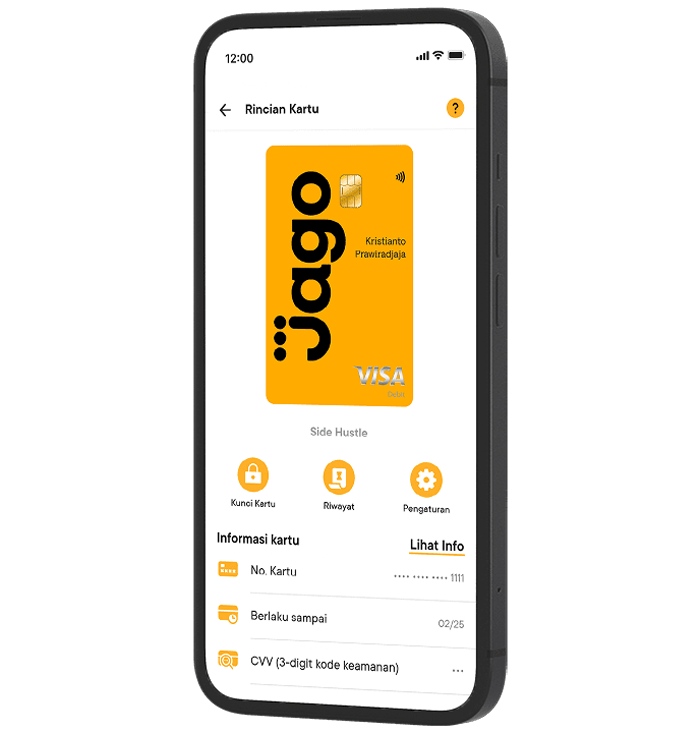
From Netflix and Apple TV to Spotify and Weverse, all you have to do is pay with your Jago Visa Debit Card. What if I want to pay for an Xbox Game Pass subscription package? Of course, you can. Is it possible to be used on PayPal too? The answer is yes, Jagoans. So, super practical right?
2. Can choose the digital form
To be hassle-free, especially since this is about completing online transaction payments, and also to continue to enjoy your favorite streaming services, you can choose the digital Jago Visa Debit Card.
Because it's digital, you can't have the card physically. But the cool thing is, it can be used to pay for a lot of stuff. If you prefer a physical debit card, that's okay too. Both types of Jago debit cards can be used for online and offline payments.
Speaking of which, you can have up to 3 digital debit cards and 3 physical debit cards for free when you become a Platinum Jagoan.
3. All transactions are recorded and can be downloaded
When paying for a digital subscription using the Jago Visa Debit Card, you don't need to manually record transactions one by one because every transaction is recorded automatically and you can see it in your Jago application. Expenses are no longer scattered or forgotten to be recorded and counted as expenses.
Where can you see the history of the transactions? In the Pocket that you link to your Jago Visa Debit Card. For example, suppose you have a pocket called “Digital Subscriptions” and you use it as a source of funds for payments via a debit card. You can see the transaction history when you click on the Pocket. If you want to save it on your phone, you can. Just download the transaction history.
Also read: How to create a Jago Visa Debit Card directly from the Jago app
Jagoans, it's time to enjoy the Jago Visa Debit Card in physical or digital form. Both provide convenience as they can be used for digital service payments and various other transactions.